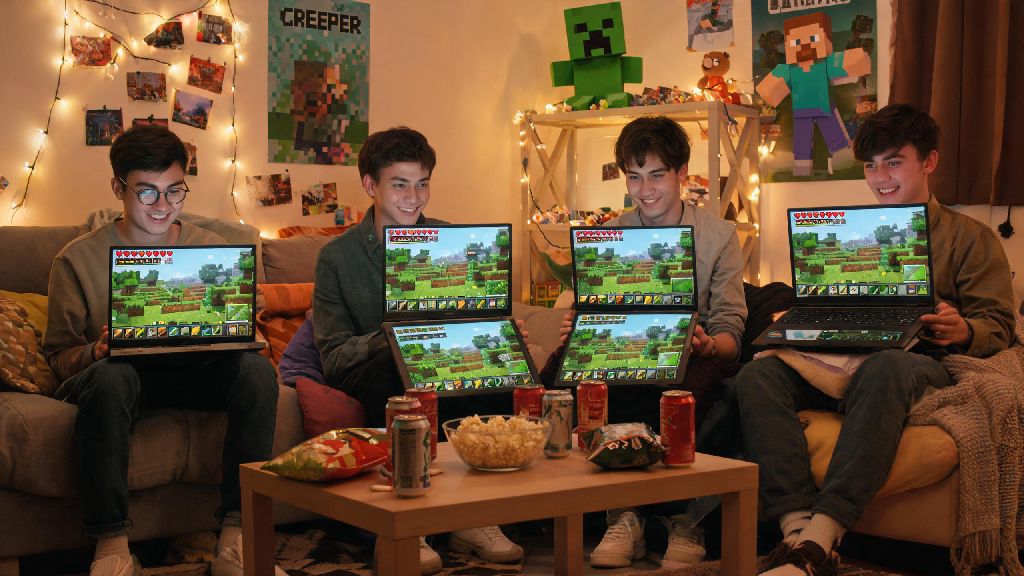
If you’ve been searching for how to play Minecraft multiplayer without realms Java in 2026, you’re far from alone. Mojang’s Realms subscription has jumped 15% in price this year, and for small friend groups that only play a few times a week, the monthly cost rarely makes sense. I’ve been playing Minecraft Java for over 7 years, and my 8-person friend group canceled our Realms subscription back in 2025 after testing half a dozen free alternative methods that work just as well for our regular play sessions. This guide breaks down every reliable option, their pros and cons, and what you need to avoid common mistakes.
How to Play Minecraft Multiplayer Without Realms Java: Local LAN Setup for 2026
The simplest method by far is a local LAN connection, perfect if you and your friends are all in the same physical space, like a dorm room, house party, or family gathering. You don’t need any extra software, subscriptions, or complex setup to get it working. All you have to do is load your single player Minecraft world, hit the escape key to open the menu, and select “Open to LAN” from the options list. You can pick your preferred game mode, toggle cheats on or off, and the game will generate a 5-digit port number for your friends to use.
To connect, your friends just need to select “Multiplayer” from the main menu, wait for the LAN world to pop up automatically, or add it manually using your local IP address plus the port number provided. Make sure both you and your friends are running the exact same Minecraft Java version in 2026, including any mods or resource packs you have installed, to avoid connection errors. The only real downside of LAN play is that it only works if everyone is connected to the same Wi-Fi network, so it’s not a fit for long-distance play.
Self-Hosted Private Servers for Long-Distance Play in 2026
If you want to play with friends who live across the country or even overseas, a self-hosted private server is the most flexible option available in 2026. You can run the server directly on your home PC if you have a decent internet connection, or use a free cloud VPS tier if you don’t want to leave your personal computer running 24/7. All the server software you need is available for free directly from Mojang’s official website, so you don’t have to pay for any third-party tools to get started.
Before you start setting up your server, make sure you have all the following items ready:
Once you have everything set up, you’ll just need to share your public IP address with your friends so they can add the server to their multiplayer menu. Never share your public IP address with people you don’t know and trust, as it can expose you to security risks like DDoS attacks or doxxing. The biggest benefit of self-hosting is that you have full control over every part of the server, from player permissions to custom world generation settings, with zero recurring costs if you host from home. The main downside is that port forwarding can be confusing for first-time users, and some ISPs block common Minecraft server ports by default.
Zero-Port-Forwarding Options for 2026 Minecraft Java Play
If you can’t set up port forwarding (common for student dorms, shared apartment buildings, or ISPs that restrict router access), there are several easy to use VPN tools that let you host a multiplayer server without any router changes. In 2026, the most popular free options for small groups are Radmin VPN, Tailscale, and ZeroTier, all of which let you create a private virtual network that you and your friends can join from anywhere in the world.
The setup process is simple: you and your friends all download the same VPN tool, create a private network, and share the network password so everyone can join. Once you’re all connected to the same virtual network, you can either open a LAN world like you would for local play, or run a private server, and your friends can connect using the virtual IP address assigned to your device by the VPN. Only download these VPN tools from their official 2026 websites to avoid fake, malware-infected versions that can steal your personal information.
The biggest benefit of these tools is that they work on almost any network, no admin access required, and they hide your real public IP address from other players. Most free tiers support up to 15 to 20 players, which is more than enough for most small friend groups. The only downside is that you’ll usually have slightly higher ping than you would with a port forwarded server, since your connection is routed through the VPN’s servers first.
2026 Troubleshooting Tips for Smooth Multiplayer Without Realms
Even if you follow all the setup steps perfectly, you might run into small connection issues from time to time. The most common problem we ran into testing these methods in 2026 was version mismatch, so always double check that all players are using the same Minecraft build, including mod versions and any required resource packs. If you’re getting a “connection refused” error, the first thing to check is that your firewall or antivirus software isn’t blocking Minecraft or the VPN tool you’re using.
If you’re dealing with consistent lag or rubber banding during play, try closing any background apps on the host device that use a lot of internet bandwidth, like streaming services or large file downloads. If the lag continues, you might need to reduce your server’s view distance, which cuts down on the amount of processing power and bandwidth needed for each player. If you have consistent lag on a home-hosted server, consider switching to a low-cost budget server host for under $5 a month in 2026, which usually comes with 24/7 uptime and better internet speeds.
Another common issue is griefing, which is far more likely if you share your server connection with people you don’t know well. You can enable whitelisting on your server to make sure only players you approve can join, and keep regular backups of your world file so you can restore it if anything gets damaged. Always make sure you trust anyone you give server access to, and avoid posting your server address publicly on social media or forum boards to keep your world safe.
No matter which method you pick, learning how to play Minecraft multiplayer without realms Java in 2026 is a great way to cut unnecessary costs while enjoying all the fun of building and surviving with your closest friends. My friend group has used a combination of self-hosted servers and VPN play for the past 18 months, and we haven’t run into any major issues that we couldn’t fix in 10 minutes or less. You don’t have to shell out for an expensive Realms subscription to make lasting memories in Minecraft, just pick the method that fits your group size, location, and technical comfort level, and jump in.