There’s a reason Minecraft has stayed one of the most popular games in the world for over a decade: it’s accessible, flexible, and fun for every age and skill level. If you’re asking “can I play Minecraft” right now, chances are the answer is yes, but there are a few key details to know before you jump in. We’ll cover everything from device compatibility to free access options, so you can start exploring blocky worlds as soon as possible. I’ve been playing Minecraft on and off since 2012, across 6 different devices, so I’ve run into almost every access barrier you can think of, and I’m here to break them down for you.
What Devices Are Compatible With Minecraft?
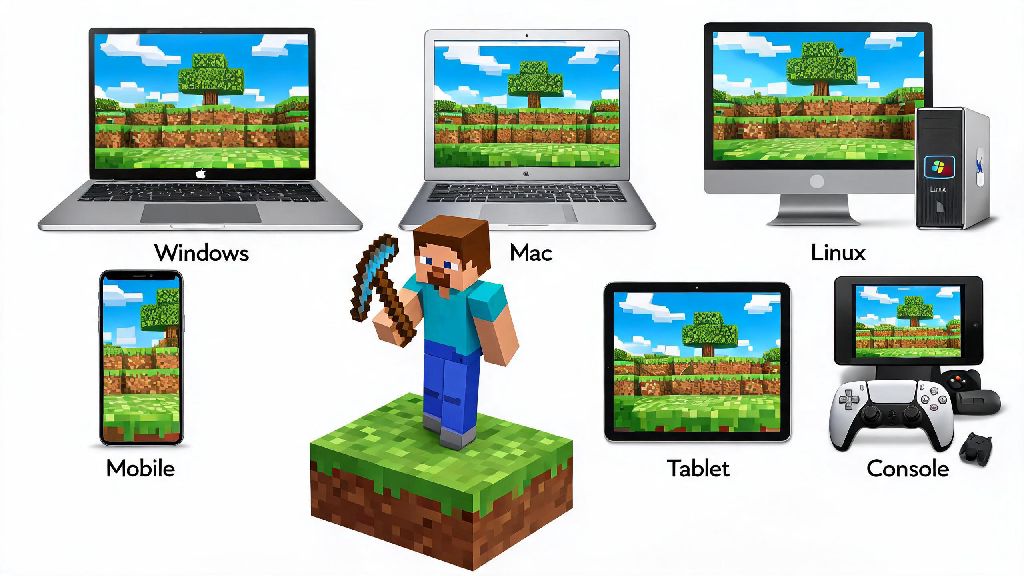
Minecraft is available on almost every modern device you own, so you don’t need a high-end gaming PC to join in. The two main editions of the game are Java Edition, which works only on Windows, Mac, and Linux devices, and Bedrock Edition, which is built for consoles, mobile devices, and Windows 10/11 PCs. If you want to play with friends across different devices, stick to Bedrock Edition, as it supports crossplay between Xbox, PlayStation, Switch, mobile, and PC.
Here’s a quick breakdown of minimum requirements for the most common devices:
Even if you only have an old phone or a low-end laptop, the answer to can I play Minecraft is usually yes, as long as you meet the minimum requirements we listed. I’ve run Minecraft on a 10-year-old laptop with 4GB of RAM before, and it ran perfectly fine on low settings. You don’t need to drop hundreds of dollars on new gear to play, which is one of the best parts of the game. If your device is more than 8 years old, you can test out the demo version first to make sure it runs smoothly before you buy. The demo version lets you play for 100 in-game minutes, which is more than enough time to test performance and see if you like the gameplay.
Can I Play Minecraft for Free Without Paying Full Price?
You don’t always have to pay the full $29.99 for Java and Bedrock Edition on PC to play. There are a few legitimate free options to access the game, as long as you don’t mind a few limitations. Never download “free full Minecraft” files from random websites, as they almost always contain malware that can harm your device or steal your personal information.
The official free Minecraft Classic browser version is the safest option if you don’t want to spend any money. It’s the original 2009 version of the game, with only 32 blocks to build with, no mobs, and no survival mode, but it’s perfect if you just want to mess around and build simple structures. Many schools and public libraries also have access to Minecraft Education Edition for free, if you’re a student or staff member. If you’re still wondering can I play Minecraft without spending any money, there are a few other legitimate options to try too.
If you’re on a budget, you can also find discounted copies of the game on official storefronts during holiday sales, or buy a second-hand copy for consoles as long as the previous owner has unlinked their account. I picked up a copy of Bedrock Edition for my little cousin for $12 during a Black Friday sale last year, so it’s worth waiting for sales if you don’t need to play right away. Xbox Game Pass and PC Game Pass subscribers also get free access to both Java and Bedrock Edition as part of their subscription, which is a great deal if you already pay for the service.
Key Rules to Know Before You Start Your First World
Once you know the answer to can I play Minecraft is yes for your device, there are a few simple rules to follow to make your first experience as fun as possible. First, decide what game mode you want to play before you create your world. Survival mode is the default, where you gather resources, fight mobs, and build a base to survive the night. Creative mode gives you unlimited resources and flight, so you can build anything you want without worrying about dying.
If you’re playing on a public server, make sure to read the server rules before you start building or interacting with other players. Many servers ban griefing (destroying other people’s builds) and stealing, and you can get permanently banned if you break these rules. If you’re playing with younger kids, turn on parental controls to restrict access to public servers and filter out inappropriate chat messages.
Crossplay works automatically for most Bedrock Edition devices, but you’ll need a free Microsoft account to link your game progress across devices. You don’t need an Xbox Live Gold or PlayStation Plus subscription to play on private servers with friends, but you will need one if you want to join public multiplayer matches on consoles. I forgot about this rule when I first tried to play with my friend on PlayStation a few years ago, and I spent 20 minutes confused why I couldn’t join their world, so it’s worth keeping in mind.
Tips for New Players to Get the Most Out of Your Game
You don’t need to follow any strict guides to enjoy Minecraft, but a few small tips will make your first few hours way less frustrating. First, always build a simple shelter before your first night falls. Creepers, zombies, and skeletons spawn in the dark, and you won’t have good enough gear to fight them off when you first spawn. Don’t wander too far from your spawn point on your first day, or you might get lost before you can build a safe place to stay.
Gather at least 16 pieces of coal on your first day to make torches, and place them all around your shelter and the surrounding area. Torches stop hostile mobs from spawning near your base, so you won’t wake up to a creeper blowing up your front door. If you get lost, you can use a compass to find your way back to your original spawn point, or craft a map to mark your base location so you never get lost again.
Don’t be afraid to experiment with different builds and play styles. Some players spend hundreds of hours building massive castles, others focus on farming and breeding animals, and others try to beat the Ender Dragon as fast as possible. There’s no “right” way to play the game, so you can do whatever feels fun for you. I’ve had worlds where I only built small cottage houses for weeks, and other worlds where I spent months building a full-scale replica of my hometown, and both were just as fun. You can also install mods or custom maps later if you want to mix up the gameplay once you get bored of the vanilla version.
At the end of the day, if you’re asking can I play Minecraft, the answer is almost certainly yes, no matter what device you own or what your budget is. You don’t need fancy gear or prior gaming experience to have fun, and there are options for every play style, from casual building to challenging survival runs. Take some time to test out different modes, play with friends if you can, and don’t stress about making mistakes – half the fun of Minecraft is learning as you go.