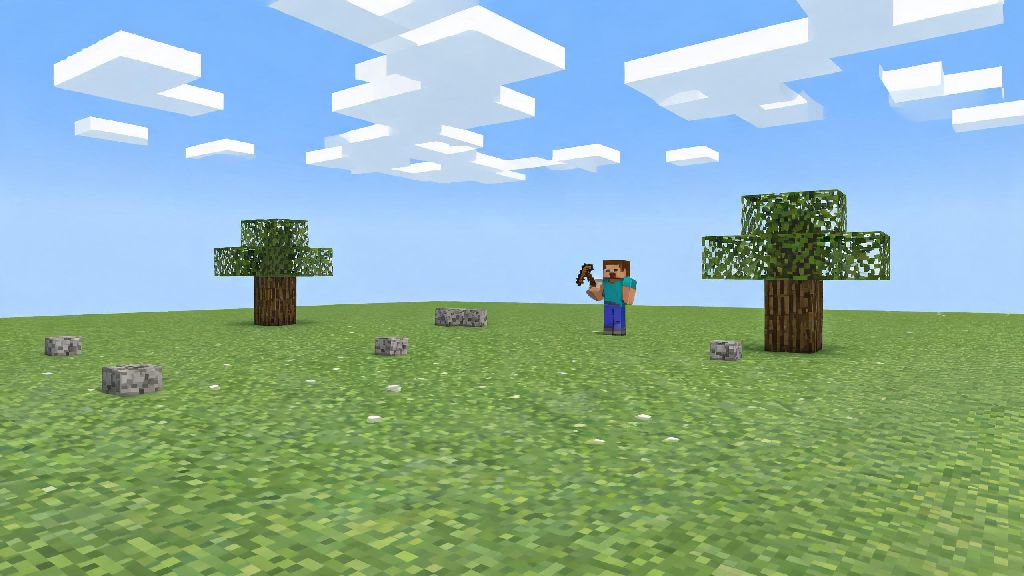
If you’ve ever scrolled through old Minecraft playthroughs and wondered what the game was like before biomes, villages, or even the Nether existed, you’re not alone. Many players seek out the early 2010 builds to experience the charm of the game’s rough, experimental early days, and learning how to play Minecraft Alpha is far simpler than you might think, even if you’ve only ever played modern versions. You don’t need fancy modding skills or expensive tools to access these builds, and the stripped-back gameplay can feel like a refreshing break from the crowded feature set of current Minecraft updates. I’ve been playing Alpha builds on and off for 8 years, so I’ve put together all the tips you need to get started without running into common headaches.
How to Play Minecraft Alpha: First Steps to Access Official Builds
The easiest and safest way to access Alpha builds is through the official Minecraft Java Edition launcher, no extra software required. First, open your launcher, head to the “Installations” tab, and check the box that says “Show historical versions” under the advanced settings menu. From there, you can create a new installation, scroll through the list of available versions, and pick the Alpha build you want to try. Most new players start with Alpha 1.1.2_01, since it’s the most stable and widely played build from the Alpha era.
Only use the official Minecraft Launcher to download Alpha builds to avoid exposing your device to malware or corrupted files. Never download Alpha JAR files from unvetted third-party sites, even if they advertise extra features or custom content. Once you’ve got your installation set up, you’re ready to play Minecraft Alpha for the first time, but there are a few settings you should adjust first. Turn the difficulty down to easy for your first run if you don’t want to get overwhelmed by mobs right away, and turn off sound if you’re sensitive to the old, rougher sound effects for blocks and mobs.
If you want to play with friends, you’ll need to set up a custom server running the exact same Alpha build you’re using. Most modern server hosting platforms don’t support Alpha builds by default, so you may need to run the server file locally on your device if you only plan to play with 2 or 3 close friends. Keep in mind that most modern server mods, anti-cheat tools, and rollback features don’t work with Alpha, so you’ll need to keep your server private to avoid griefing.
Core Controls and Mechanics You Won’t Find in Modern Minecraft
Most basic controls are the same as modern Minecraft: left click to break blocks, right click to place blocks or use items, E to open your inventory. But the differences start to show up pretty quickly once you start playing. There is no sprint button in most Alpha builds, so you’ll move at the same slow walking pace no matter what, and you can’t jump two blocks high to get over small obstacles. You also won’t find a hunger bar, so you don’t have to carry food around to avoid taking damage over time. The only things that can hurt you are falls of 4 blocks or more, lava, drowning, and hostile mobs.
If you’re used to modern Minecraft, the lack of quality of life features is the first thing you’ll notice when you play Minecraft Alpha for the first time. There’s no off-hand slot, no way to stack tools or weapons, and no shulker boxes to carry extra items, so inventory management gets tricky fast if you’re collecting lots of different blocks. Blocks have far lower blast resistance too, so a single creeper explosion can take out half your dirt or wood house if you don’t build with stone or cobblestone.
The world generation is also very different from modern builds. Early Alpha versions have a finite world border 256 blocks from spawn, so you can’t wander forever exploring new biomes. Later Alpha builds added infinite worlds, but biomes are very limited: you’ll only find forests, deserts, and oceans, no taigas, jungles, or deep dark biomes. There are no villages, no temples, and no Nether or End dimensions, so all of your gameplay will take place on the overworld surface and in shallow underground caves.
Beginner Survival Tips for Your First Alpha World
Survival in Alpha is a lot more unforgiving than modern Minecraft, so you’ll need to adjust your usual playstyle to stay alive. The sun sets a lot faster than in modern builds, so you only have about 10 minutes of real time to gather resources and build a shelter before mobs start spawning. Unlike modern Minecraft, where you can set your spawn point with a bed, Minecraft Alpha forces you to respawn at the original world spawn no matter where you die, so it’s smart to build your main base within a few hundred blocks of spawn so you don’t lose all your items if you get killed while exploring.
For your first playthrough, focus on these three priority tasks to get off to a good start:
Coal is a lot rarer in Alpha than it is in modern Minecraft, so don’t waste time looking for coal if you don’t find it in your first few minutes of digging. You can make charcoal by burning wood in a furnace, which works exactly the same as coal for crafting torches and smelting items. Torches burn out after 7 in-game days in some early Alpha builds, so you’ll need to keep extra charcoal on hand to replace torches around your base regularly, otherwise mobs will start spawning inside your walls. There’s no bed to skip the night either, so you’ll either have to wait out the dark in your shelter or gear up to go out fighting if you want to make the most of your playtime.
Common Mistakes to Avoid When Playing Alpha Builds
The biggest mistake new players make is bringing modern Minecraft strategies into Alpha builds and expecting them to work. Don’t go wandering thousands of blocks away from spawn in your first playthrough, because there’s no coordinate display in vanilla Alpha, and you’ll almost certainly get lost and never find your way back to your base. If you do want to explore long distances, mark your path with torches or tall cobblestone pillars so you can follow them back home later.
Many new players also forget that Minecraft Alpha doesn’t have an autosave feature in some builds, so you should manually save your world every 20 to 30 minutes to avoid losing hours of progress if your game crashes. Don’t build right on the edge of the world border if you’re playing an early finite Alpha build, either, because chunks on the border often glitch out and delete any blocks you place on them permanently.
Don’t waste time trying to load modern texture packs or mods into your Alpha build, either. 99% of modern Minecraft content is built for versions 1.8 and later, and won’t work with Alpha builds at all, and may even corrupt your world if you try to force them to load. If you want to use custom content, look for texture packs and mods made specifically for the exact Alpha build you’re running, and always back up your world before installing any custom content.
At the end of the day, playing Alpha is all about embracing the messy, experimental spirit of early Minecraft, where every update felt like a huge surprise and the world felt like a truly unknown place. You don't need to follow all the usual modern Minecraft rules to have fun, and many players spend hours just building silly structures or seeing how long they can survive with the limited mechanics. Whether you're playing for nostalgia or to experience the game's roots for the first time, learning how to play Minecraft Alpha opens up a whole new side of one of the most popular games of all time. Don't be afraid to mess up, lose your first world, or experiment with weird builds—that's exactly what the early versions were made for.