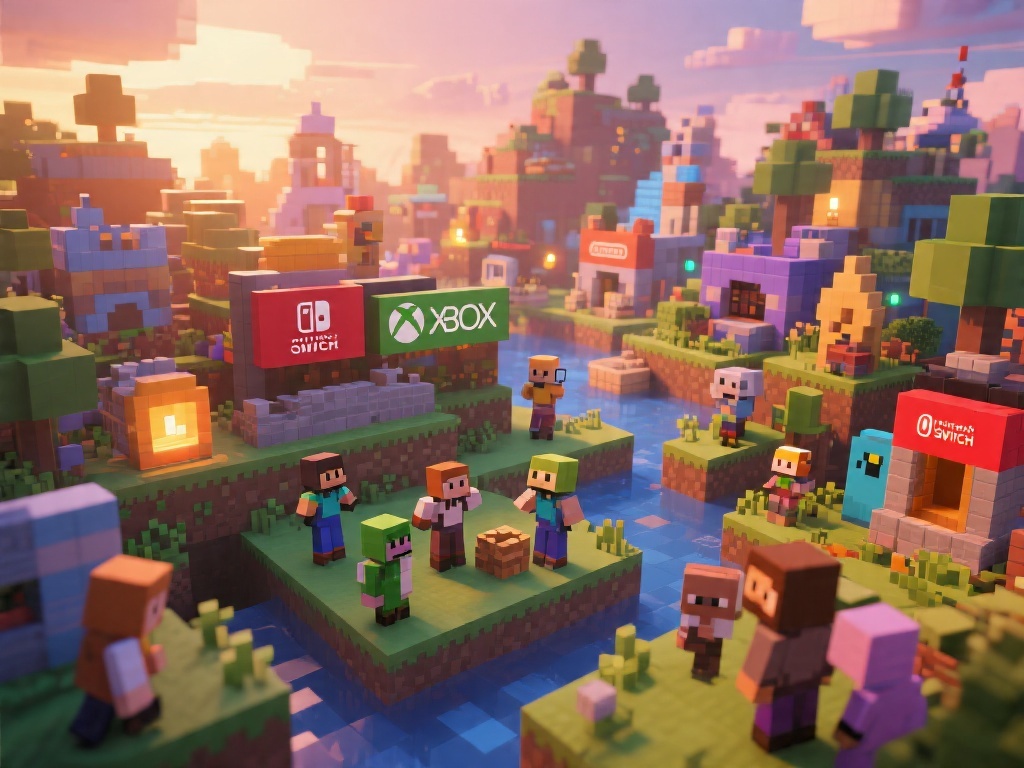
Are you a Minecraft enthusiast looking to play with friends on different platforms? One of the most frequently asked questions in the Minecraft community is, "Can you cross play Minecraft?" In this comprehensive guide, we'll delve into the world of Minecraft cross play, exploring the different platforms, the requirements, and the benefits. Whether you're on PC, Xbox, or Nintendo Switch, find out how to join the Minecraft cross play community and have a seamless gaming experience.
Understanding Minecraft Cross Play
Minecraft cross play allows players from different platforms to connect and play together. This feature was introduced to Minecraft to foster a more inclusive and diverse community. It's important to note that not all Minecraft versions support cross play. Let's look at the platforms that do and how cross play works.
Platforms Compatible with Minecraft Cross Play
As of now, Minecraft cross play is available for the following platforms:
Requirements for Cross Playing Minecraft
Before you jump into cross playing Minecraft, there are a few requirements you need to meet:
Steps to Cross Play Minecraft
Cross playing Minecraft is a straightforward process. Here's a step-by-step guide:
Benefits of Minecraft Cross Play
Minecraft cross play offers numerous benefits, including:
While Minecraft cross play is a fantastic feature that brings the community together, it's essential to remember that technical issues can arise. Always ensure that your devices are updated and that you have a stable internet connection to avoid any disruptions.
Conclusion
So, to answer the question, "Can you cross play Minecraft?" Absolutely! With the right setup and a few requirements met, you can enjoy a seamless cross-platform Minecraft experience. Whether you're building, exploring, or surviving, Minecraft cross play opens up a world of possibilities for Minecraft enthusiasts. Start your cross play journey today and join the Minecraft community across platforms!