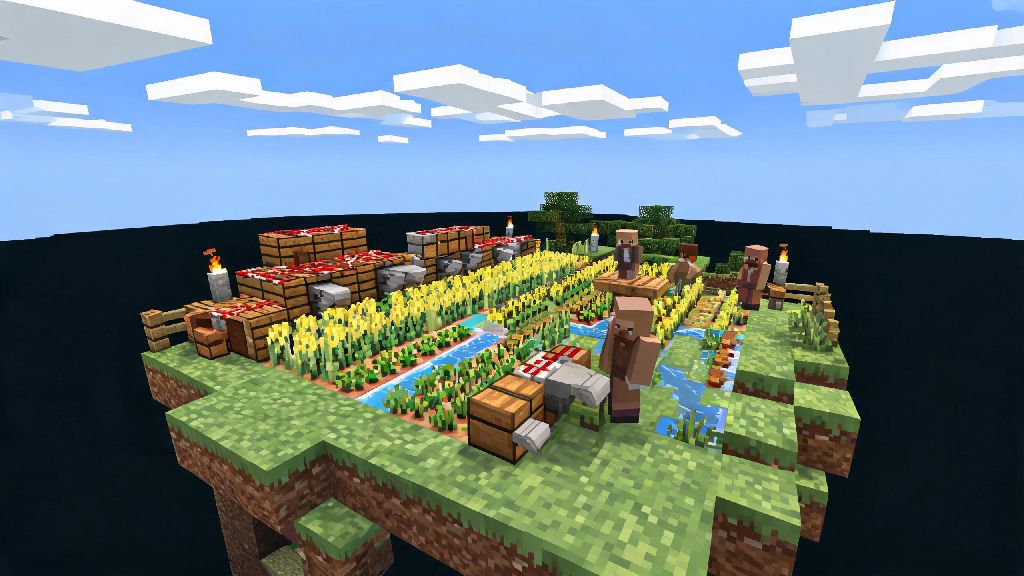
If you’ve scrolled through Minecraft TikTok or YouTube shorts lately, you’ve almost certainly seen clips of players building wild automated farms, surviving on tiny floating land masses, and trading with villagers hundreds of blocks above the void. That’s Skyblock, one of the most popular custom gamemodes in the game’s 15+ year history, and it’s way more accessible than you might think. If you’re wondering how to play skyblock on minecraft for the first time, you don’t need fancy mods or years of building experience to get started. All you need is a copy of the game, a little patience, and this breakdown of the core rules, first steps, and pro hacks to avoid falling into the void before you even get your first cobblestone generator up and running.
What You Need Before You Learn How to Play Skyblock on Minecraft
The first thing to know is that Skyblock works for both Java and Bedrock editions of the game, so you don’t have to buy a specific version to play. Most players opt to join public multiplayer Skyblock servers, since they often have custom quality of life features, community markets, and team play options. Always double check you’re joining a server that matches your game edition to avoid connection errors. You don’t need to download any extra files to join these servers either, the custom map and rules load automatically when you connect for the first time. If you prefer single player Minecraft Skyblock, you can download a free Skyblock map file from a trusted community site, and load it directly into your game. Almost every standard Skyblock map starts you with the same basic items: a 2x2 dirt platform, one oak tree, a chest with one lava bucket, one water bucket, a few ice blocks, and a handful of wheat and melon seeds. You won’t have any extra resources to work with, so every item you save counts.
Your First 10 Minutes on a Skyblock Island
Your very first move when you spawn on your island should be to punch the oak tree until you collect all its wood, including the stump at the bottom. Don’t move around too much while you’re doing this, or you risk knocking a sapling or wood plank off the edge into the void. I can’t tell you how many times I’ve had to restart an island because I lost my only sapling to a clumsy misstep in my first two minutes of play. Once you have your wood, craft a crafting table and a wooden pickaxe as fast as you can. Your first priority is building a cobblestone generator, which will give you an infinite supply of building material for the rest of your playthrough. To build one, dig a 1x4 trench in your dirt platform, place your water bucket at one end, and your lava bucket at the other. Make sure the water flows toward the lava, not directly into it, or you’ll end up with useless obsidian instead of cobblestone. Once the generator is working, mine at least 50 cobblestone first to expand your island so you have more room to move around without falling.
Core Skyblock Mechanics New Players Often Miss
After you get your basic island set up, there are a few less obvious rules and mechanics that will save you hours of frustration down the line. A lot of these aren’t explained in server tutorials, so even players who have dabbled in Skyblock before might not know them:
How to Progress Past the Early Game in Skyblock
Once you have a steady supply of cobblestone, wood, and food, you can start working toward mid-game upgrades that make survival way easier. First, build a wheat farm to get enough bread to feed villagers, then breed two villagers to start a small trading hall. Focus on unlocking trades for building blocks, enchanted books, and diamond gear first, since those are the hardest to get otherwise. Enchanting your tools with unbreaking and efficiency is one of the best upgrades you can make early in the mid game, it cuts down on the time you spend mining cobblestone and chopping wood by half. You’ll need books from sugar cane and leather from cows to make an enchantment table, so build small sugar cane and cow farms as soon as you have space. From there, you can build more specialized automated farms to take the grind out of resource collection: iron golem farms for unlimited iron, gold farms for golden apples and powered rails, and automatic crop farms that harvest and collect food for you. If you’re playing on a multiplayer server, you can team up with other players to build these large farms faster, and trade surplus resources you don’t need for items you’re missing. You don’t have to rush progression either, a lot of players enjoy taking their time to build decorative bases instead of grinding for the rarest items, and that’s totally fine. Skyblock is whatever you want it to be.
At the end of the day, Skyblock is all about creativity and problem solving, so don’t get discouraged if you fall into the void a few times or mess up your first cobblestone generator. Even players with thousands of hours of experience still make silly mistakes that cost them hours of progress. Now that you have a solid base of knowledge to work from, learning how to play skyblock on minecraft should feel far less intimidating. Grab your pickaxe, plant that first sapling, and start building the floating island of your dreams.