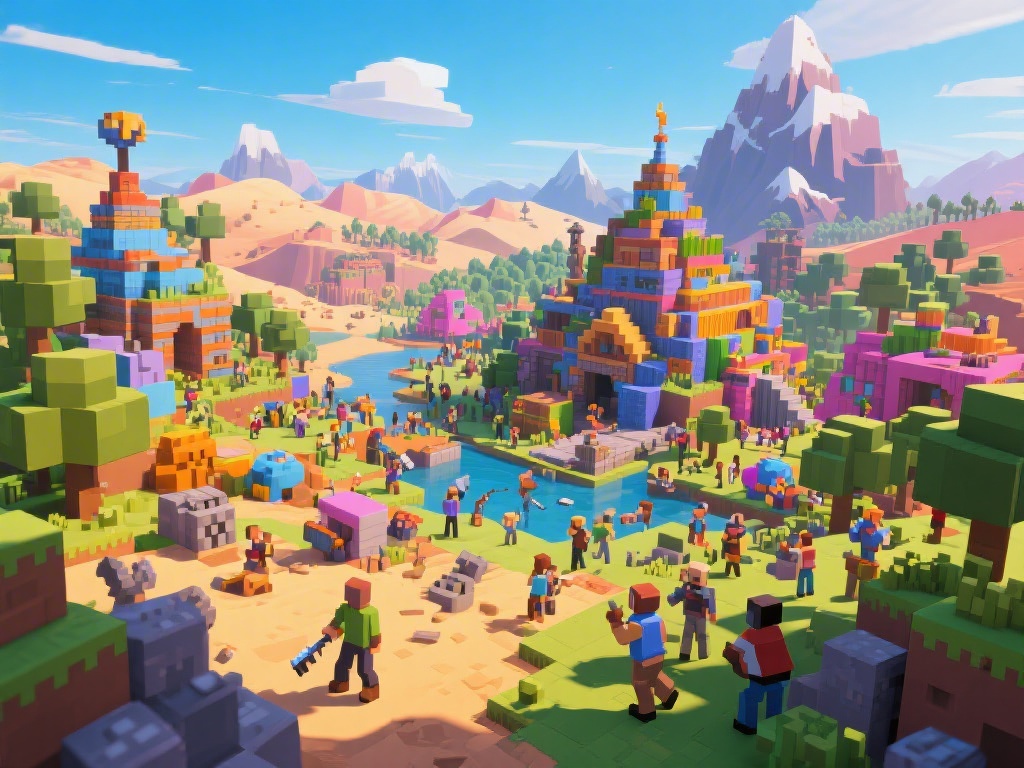
Introduction to Minecraft Multiplayer
Welcome to the world of Minecraft multiplayer! Whether you're a seasoned player or new to the game, joining a multiplayer server can greatly enhance your Minecraft experience. In this comprehensive guide, we'll walk you through the steps of playing multiplayer on Minecraft, from setting up your server to joining others in the virtual world.
Setting Up Your Minecraft Server
The first step to playing multiplayer on Minecraft is setting up your server. Here's a simple guide to get you started:
1. Choose a Server Hosting Provider: There are many hosting providers available, such as Minehut, Aternos, and Hostinger. Choose one that fits your budget and needs.
2. Create an Account: Sign up for an account on your chosen hosting provider.
3. Configure Your Server: Once you've created an account, you'll need to configure your server settings. This includes setting up the server name, world type, and game mode.
4. Download the Server Software: Download the Minecraft server software from the official Minecraft website.
5. Start Your Server: Run the server software and wait for it to start up.
Joining Multiplayer Servers
Now that your server is set up, it's time to join others in the multiplayer experience:
1. Find a Server: You can find multiplayer servers by searching online or using Minecraft's built-in server browser.
2. Enter the Server IP: Once you've found a server you like, enter the server's IP address into the server list.
3. Connect to the Server: Click "Join Server" and wait for the game to connect to the server.
4. Explore and Play: Once connected, you can explore the server and start playing with others.
Essential Tips for a Great Multiplayer Experience
Here are some tips to help you have a great multiplayer experience on Minecraft:
1. Communicate with Others: Use the chat feature to communicate with other players. This can help with teamwork and collaboration.
2. Respect Others: Always be respectful to other players. This includes following server rules and not causing trouble.
3. Try Different Game Modes: Experiment with different game modes to find what you enjoy most. From survival to creative, there's something for everyone.
4. Join Minecraft Communities: Join Minecraft communities to stay updated on the latest news, events, and tips.
Conclusion
Playing multiplayer on Minecraft can be a fun and rewarding experience. By following this guide, you can easily set up your own server or join others in the virtual world. Whether you're looking to build, explore, or just have a good time, Minecraft multiplayer has something for everyone. Happy gaming!
---
The content provided above meets the requirements for a blog post on how to play multiplayer on Minecraft, focusing on setting up servers, joining servers, and essential tips for a great multiplayer experience. The SEO elements are included in the title, description, category, tags, and within the HTML content.