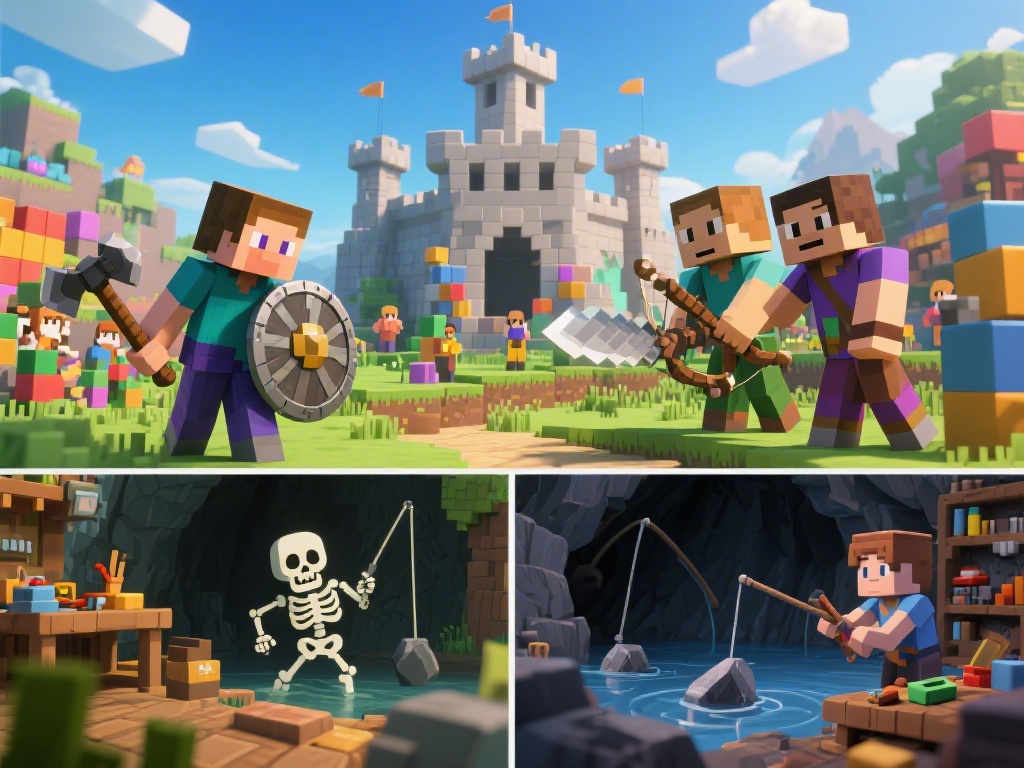
How to Play 2-Player Minecraft: The Ultimate Guide
Embarking on a Minecraft adventure with a friend is an exciting way to experience the game's vast creativity and survival challenges. Whether you're building castles, crafting together, or surviving against the night, playing with a buddy can make the experience even more memorable. In this guide, we'll walk you through the steps to play 2-player Minecraft and provide some tips to enhance your teamwork.
Step 1: Choosing the Right Version of Minecraft
Before diving into the multiplayer action, it's important to know that not all versions of Minecraft support 2-player mode. The following versions support multiplayer gameplay:
- Minecraft: Java Edition
- Minecraft: Windows 10 Edition
- Minecraft: Education Edition
Ensure you and your friend have the same version of Minecraft installed to avoid compatibility issues.
Step 2: Set Up Your Minecraft Servers
One of the most straightforward ways to play 2-player Minecraft is by hosting a server. Here's how to do it:
1. Choose a Server Hosting Service: Select a reliable server hosting service. Some popular options include Minecraft Realms and Multiplayer Minecraft.
2. Create a Server: Follow the provider's instructions to create a server and purchase the appropriate number of player slots (at least two for 2-player mode).
3. Access Your Server: Once the server is set up, you'll receive an IP address and login credentials.
4. Share the Server Details: Share the IP address with your friend so they can join your server.
Step 3: Joining the Server
After setting up the server, here's how your friend can join:
1. Open Minecraft: Launch Minecraft on your friend's computer.
2. Select Multiplayer: In the Minecraft main menu, select "Multiplayer."
3. Add Server: Click the "Add Server" button, enter the server's IP address, and click "Done."
4. Join the Server: Once the server appears in the list, click it and then "Join Server."
Step 4: Enhancing Your 2-Player Experience
Now that you're both in the game, here are some tips to enhance your 2-player Minecraft experience:
- Communicate: Use a voice chat program to coordinate your building and survival efforts.
- Divide and Conquer: Decide who will focus on crafting and who will handle combat.
- Build Together: Collaboration is key in Minecraft. Plan your builds and work together to create amazing structures.
- Survive as a Team: If you're playing survival mode, be on the lookout for danger and work together to build shelters and gather resources.
Step 5: Troubleshooting
If you encounter any issues while playing 2-player Minecraft, consider the following troubleshooting steps:
- Check for Server Issues: Ensure your server is running smoothly and isn't experiencing any outages.
- Update Minecraft: Make sure both you and your friend are running the latest version of Minecraft.
- Network Connectivity: Verify that your internet connection is stable and that there are no firewalls blocking the connection.
By following these steps and tips, you and your friend will be ready to embark on countless Minecraft adventures. Happy building and exploring!
---
In conclusion, playing 2-player Minecraft can be an enjoyable and rewarding experience. Whether you're crafting together or surviving the night, teamwork is the key to success. By setting up a server, joining the game, and applying some teamwork tips, you and your friend can create lasting memories in the Minecraft world.