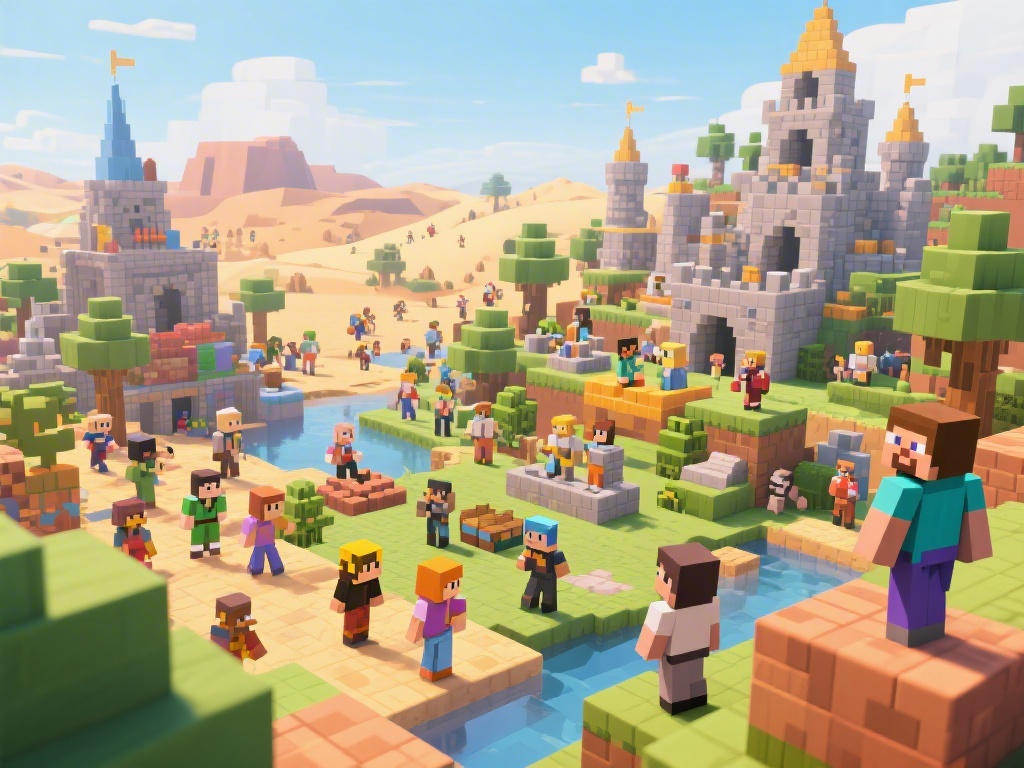
(TAGS>Minecraft multiplayer, Minecraft guide, Minecraft online, Minecraft friends, Minecraft gameplay)
Introduction to Multiplayer Minecraft
Embarking on a multiplayer adventure in Minecraft is a thrilling experience that enhances the game's fun factor. Whether you're a seasoned player or new to the blocky world, understanding how to play multiplayer on Minecraft can open up a world of possibilities. In this guide, we'll walk you through the essential steps and provide some tips to make your multiplayer experience smoother and more enjoyable.
Setting Up Minecraft for Multiplayer
Before diving into the multiplayer action, you need to set up your Minecraft environment. Here's a step-by-step guide:
Version Compatibility: Ensure all players are on the same version of Minecraft to avoid compatibility issues.
Install the Server Software: For hosting a server, you'll need to install the Minecraft server software on a computer.
Configure the Server: Access the server.properties file and change settings like server port, maximum players, and world generation settings.
Launch the Server: Start the server, and you're ready to invite players.
Joining a Multiplayer Server
Not interested in hosting your own server? No problem. There are numerous multiplayer servers available. Here's how to join one:
Find a Server: Use server lists or search engines to find a Minecraft server that matches your interests.
Get the Server IP: Once you've found a server, note down its IP address.
Open Minecraft: Start Minecraft and select "Multiplayer" from the main menu.
Enter the Server IP: Type the server's IP address in the "Direct Connect" field and hit "Join Server."
Playing with Friends
Playing with friends adds a whole new layer of excitement to Minecraft. Here are some tips to make the experience more enjoyable:
Plan Your Adventure: Discuss with your friends what type of gameplay you want to enjoy, be it survival, creative, or adventure.
Team Up: Work together to achieve your goals, whether it's building a massive structure or facing off against the Ender Dragon.
Be Respectful: Treat your friends with respect, and enjoy the shared experience.
Common Issues and Solutions
Even with careful setup, issues can arise. Here are some common problems and their solutions:
Connection Issues: Ensure you have a stable internet connection. Also, check for server maintenance or issues with the server host.
Version Mismatch: All players must be on the same version of Minecraft to connect successfully.
Performance Issues: Optimize your Minecraft settings for performance if you're experiencing lag.
Conclusion
Playing multiplayer on Minecraft is a fantastic way to share the experience with friends and family. By following the steps outlined in this guide, you can enjoy seamless online gameplay and create unforgettable memories. Happy building and exploring!