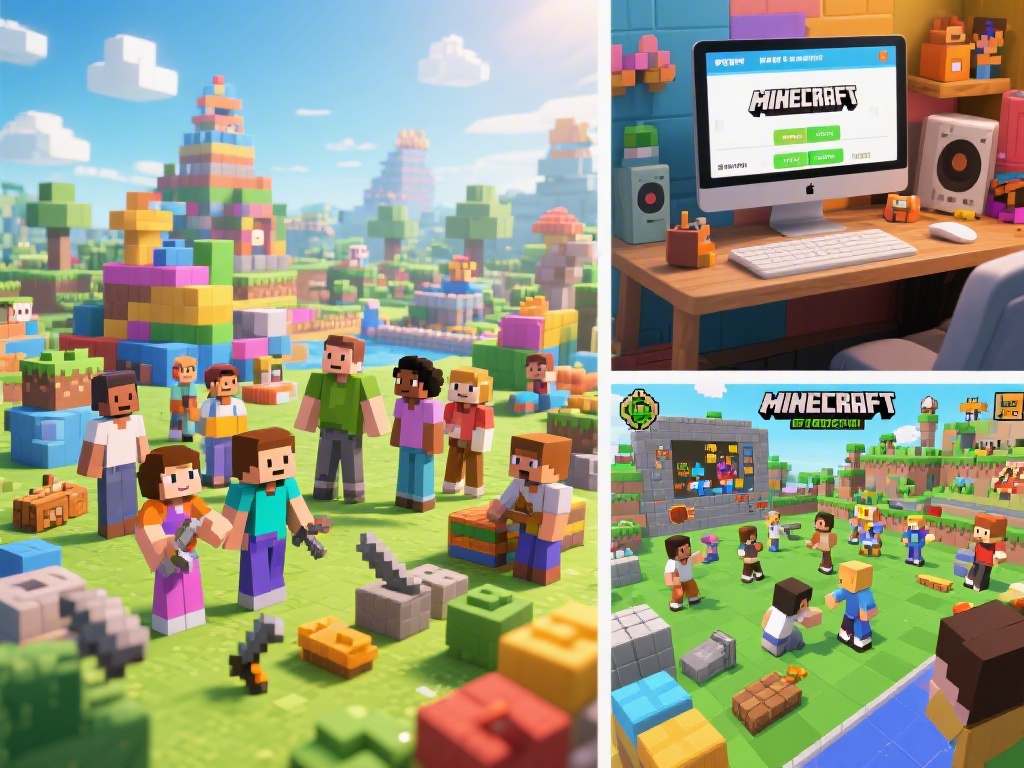
Introduction to Minecraft Multiplayer
Are you ready to expand your Minecraft universe with friends? Playing multiplayer in Minecraft is a fantastic way to collaborate, compete, and create together. Whether you're a seasoned Minecraft player or new to the game, our step-by-step guide will help you get started on playing multiplayer in Minecraft.
Setting Up Your Minecraft Server
Before diving into multiplayer, you need to set up a Minecraft server. There are several ways to do this, from using a local server to hosting one online. Here’s a brief overview:
Once you have your server set up, you’ll need to invite friends or players to join. Share your server IP and port number with them to connect.
Understanding Multiplayer Game Modes
Minecraft offers various game modes to suit different preferences:
Choose the mode that best fits your group’s interests.
Customizing Your Minecraft Characters
Customize your Minecraft character by changing their skin, armor, and accessories. You can find skins online and use texture packs to modify your game further. This adds a personal touch to your multiplayer experience.
Collaboration and Communication
Playing multiplayer is all about collaboration. Share tips, work together on projects, and communicate effectively with your teammates. Use Minecraft’s chat feature to coordinate your actions and discuss strategies.
Remember to be respectful and follow Minecraft’s community guidelines to ensure a positive gaming experience for everyone.
Joining Multiplayer Servers
Not interested in setting up your own server? You can easily join public servers hosted by other players. Find servers with similar interests and game modes to join the fun. Remember to read the server rules before joining to ensure a good experience.
Conclusion
Playing multiplayer in Minecraft is a fantastic way to connect with friends and create memorable experiences. By following our guide, you can set up your server, choose the right game mode, customize your character, and join the Minecraft community. Happy gaming!