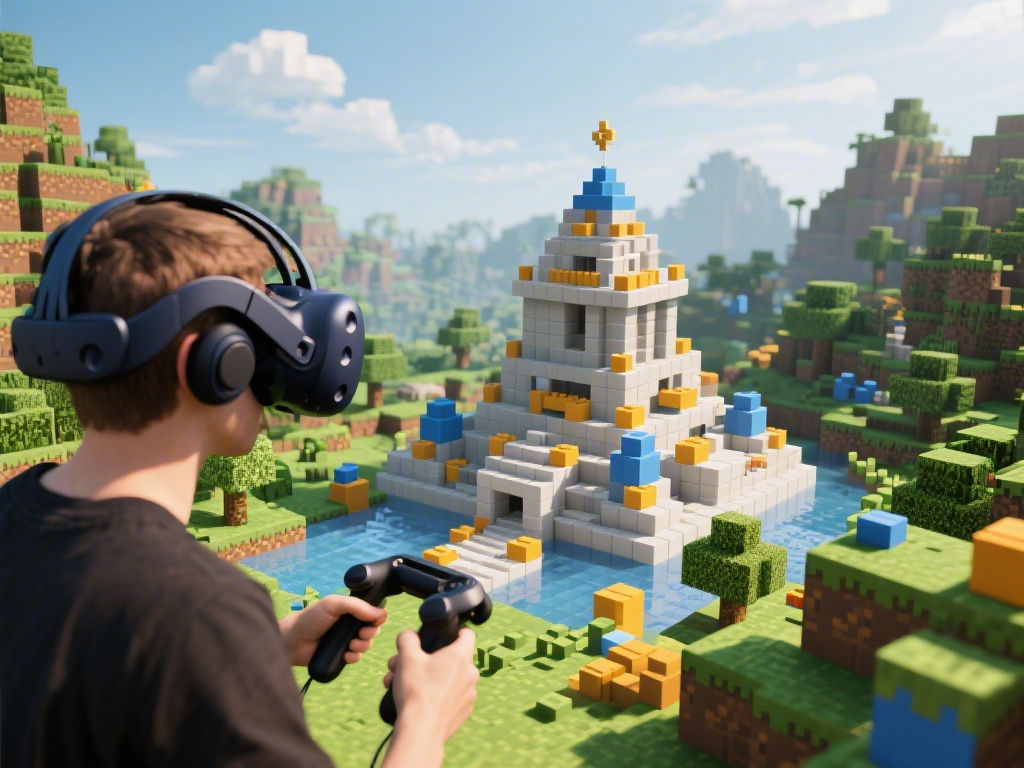
Introduction to VR Minecraft
Virtual Reality (VR) has revolutionized the way we experience games, and Minecraft is no exception. In this comprehensive guide, we will delve into the world of VR Minecraft, providing you with essential tips and techniques to make the most out of your VR Minecraft experience.
Setting Up Your VR Minecraft Environment
Before you dive into the VR Minecraft world, it's crucial to set up your environment correctly. Here are some key considerations:
Choose the Right VR Headset: Ensure your VR headset is compatible with Minecraft VR. Popular options include the Oculus Rift, HTC Vive, and PlayStation VR.
Optimize Your PC or Console: Make sure your system meets the minimum requirements for Minecraft VR to run smoothly.
Position Your Sensors and Controllers: Properly place your sensors and controllers to ensure accurate tracking and immersion.
Mastering VR Minecraft Building Techniques
Building in VR Minecraft requires a different approach compared to traditional Minecraft. Here are some techniques to help you excel:
Use the Right Controls: Familiarize yourself with the VR controls, such as the grip and trigger buttons, to manipulate blocks effectively.
Utilize the Look Around Feature: Look around to get a better perspective of your surroundings and plan your builds accordingly.
Practice Your Block Placement: Take your time to place blocks accurately, as mistakes can be more costly in VR.
Exploring Minecraft VR Worlds
One of the joys of VR Minecraft is exploring new worlds. Here are some tips to enhance your exploration:
Customize Your Avatars: Personalize your character with different skins, armor, and accessories.
Join VR Servers: Connect with other players and explore shared worlds or collaborate on massive builds.
Use VR Minecraft Maps: Discover new locations and hidden treasures with the help of community-generated maps.
Optimizing Your VR Minecraft Experience
To ensure a seamless VR Minecraft experience, consider the following optimizations:
Adjust the Graphics Settings: Optimize the graphics settings to balance performance and visual quality.
Manage Your Comfort: Take regular breaks to avoid discomfort and motion sickness.
Experiment with VR Minecraft Mods: Enhance your experience with mods that add new features, textures, and more.
Conclusion
Playing Minecraft on VR opens up a whole new world of possibilities. By following this ultimate guide, you'll be well-equipped to master VR Minecraft building techniques, explore new worlds, and optimize your VR experience. Happy building!