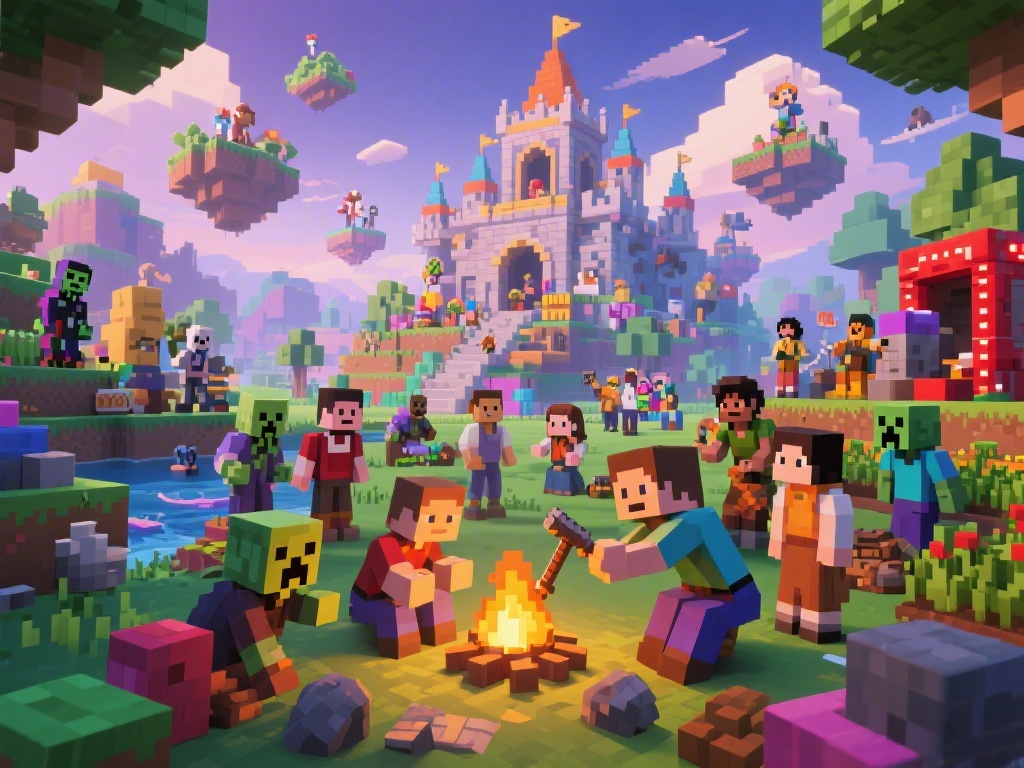
Introduction to Minecraft Multiplayer
Minecraft, the beloved sandbox game, offers a world of possibilities, especially when played in multiplayer. Whether you're a seasoned player or new to the blocky world, learning how to play in multiplayer can elevate your Minecraft experience. In this guide, we'll walk you through the essential steps and tips to help you join and create multiplayer servers in Minecraft.
How to Join a Multiplayer Server
Joining a multiplayer server in Minecraft is a straightforward process. Here's a step-by-step guide to help you get started:
1. Find a Server: Search for Minecraft servers using popular server lists or by asking friends for recommendations.
2. Download the Server IP: Once you've found a server you like, note down its IP address.
3. Open Minecraft: Launch Minecraft and select "Multiplayer" from the main menu.
4. Add Server: Click on "Add Server" and enter the server's IP address.
5. Join the Server: Once the server is added, click "Join Server" and you'll be transported to the multiplayer world.
Essential Tips for Playing in Multiplayer
Playing in multiplayer can be exciting, but it also requires some additional considerations:
- Communication: Use in-game chat or voice communication to coordinate with other players.
- Respectful Play: Be mindful of other players and their creations. Respect their property and boundaries.
- Mod Consistency: Ensure that your game version matches the server's requirements to avoid compatibility issues.
Creating Your Own Multiplayer Server
If you want to host your own Minecraft server, follow these steps:
1. Choose a Server Host: Select a reliable server host that meets your needs.
2. Set Up the Server: Install the Minecraft server software and configure it according to your preferences.
3. Create a Server Jar: Use the server jar to start your server and configure it with your desired settings.
4. Share the Server IP: Once your server is up and running, share its IP address with friends to join.
Enhancing Your Multiplayer Experience
To make the most of your multiplayer experience, consider the following enhancements:
- Customize Your Character: Personalize your Minecraft character with custom skins and textures.
- Explore and Build Together: Collaborate with friends on building projects or exploration adventures.
- Join Minecraft Communities: Engage with the Minecraft community to find new servers, events, and friends.
Conclusion
Playing in multiplayer in Minecraft can add a whole new level of excitement and collaboration to your gaming experience. By following this guide, you'll be able to join and create multiplayer servers with ease. Happy gaming!
---
Note: This article is designed to provide a comprehensive guide on how to play in multiplayer in Minecraft, focusing on the essential steps and tips for both joining and creating servers. It is optimized for SEO with the main keyword "how to play in multiplayer in Minecraft" and includes relevant LSI keywords to enhance search visibility.