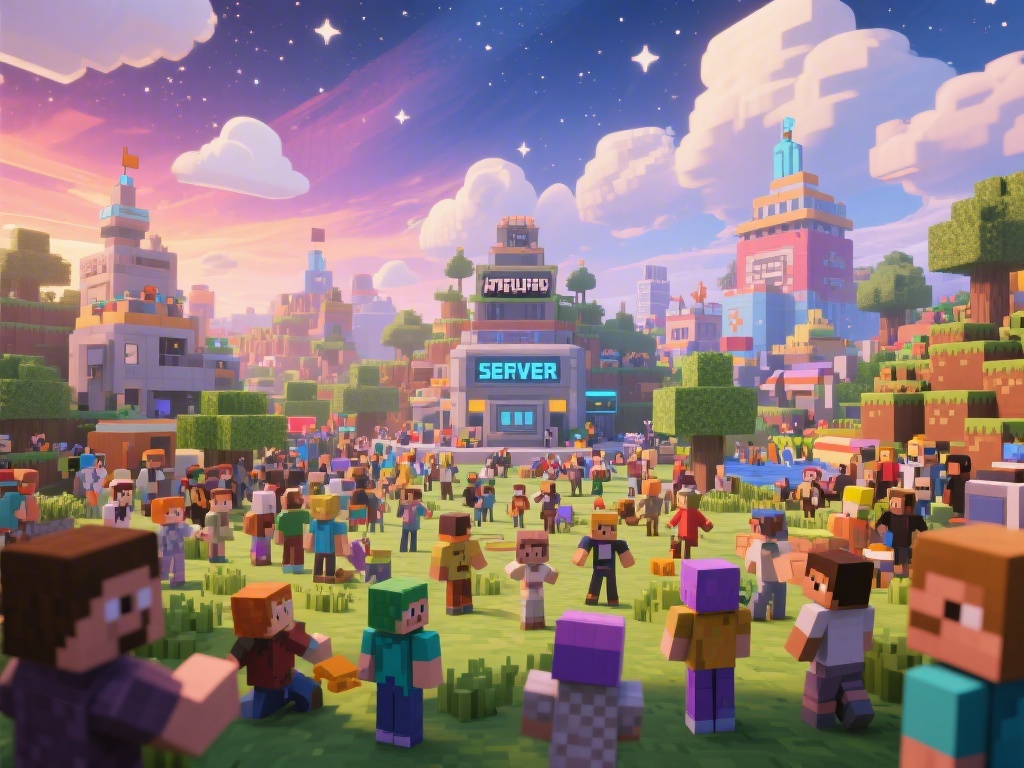
Introduction to Multiplayer Minecraft
Are you ready to dive into the exciting world of multiplayer Minecraft? Whether you're a seasoned player or new to the game, playing Minecraft with friends can take your gaming experience to the next level. In this comprehensive guide, we'll walk you through everything you need to know about playing multiplayer Minecraft, from setting up a server to joining an existing one.
Setting Up Your Own Minecraft Server
One of the most popular ways to play multiplayer Minecraft is by setting up your own server. Here's a step-by-step guide to get you started:
1. Choose a Server Hosting Provider: Select a reliable server hosting provider that meets your needs.
2. Install the Minecraft Server Software: Download and install the Minecraft server software on your computer.
3. Configure the Server: Adjust the server settings to your preference, such as world type, difficulty, and game rules.
4. Start the Server: Run the server to ensure it's working correctly.
5. Share the IP Address: Give your friends the IP address of your server so they can join.
Joining an Existing Multiplayer Server
If you prefer not to set up your own server, there are numerous multiplayer servers available to join. Here's how to do it:
1. Find a Server: Use Minecraft server lists or search engines to find a server that interests you.
2. Obtain the Server IP Address: Note down the server's IP address.
3. Join the Server: Open Minecraft, go to the multiplayer section, and enter the server IP address.
4. Enjoy the Game: Once connected, you can start playing with other players.
Essential Tips for a Great Multiplayer Experience
To make the most of your multiplayer Minecraft experience, consider these essential tips:
- Communication is Key: Use voice chat or text to communicate with your fellow players.
- Respect Each Other: Treat others as you would like to be treated, and follow the server rules.
- Collaborate and Build Together: Multiplayer Minecraft is all about teamwork. Work together to create amazing structures and adventures.
- Be Patient: Sometimes, things can go wrong. Stay patient and work through any issues together.
Customizing Your Minecraft Character
Personalize your Minecraft character to stand out in the multiplayer world:
1. Choose a Skin: Download and apply a custom skin to your character.
2. Customize Your Gear: Collect unique items and armor to enhance your character's appearance and stats.
3. Customize Your Home: Build a unique home that reflects your personality and style.
Conclusion
Playing multiplayer Minecraft can be a thrilling experience. By following this guide, you'll be well on your way to enjoying a great multiplayer gaming session. Whether you choose to set up your own server or join an existing one, remember to communicate, collaborate, and have fun. Happy gaming!