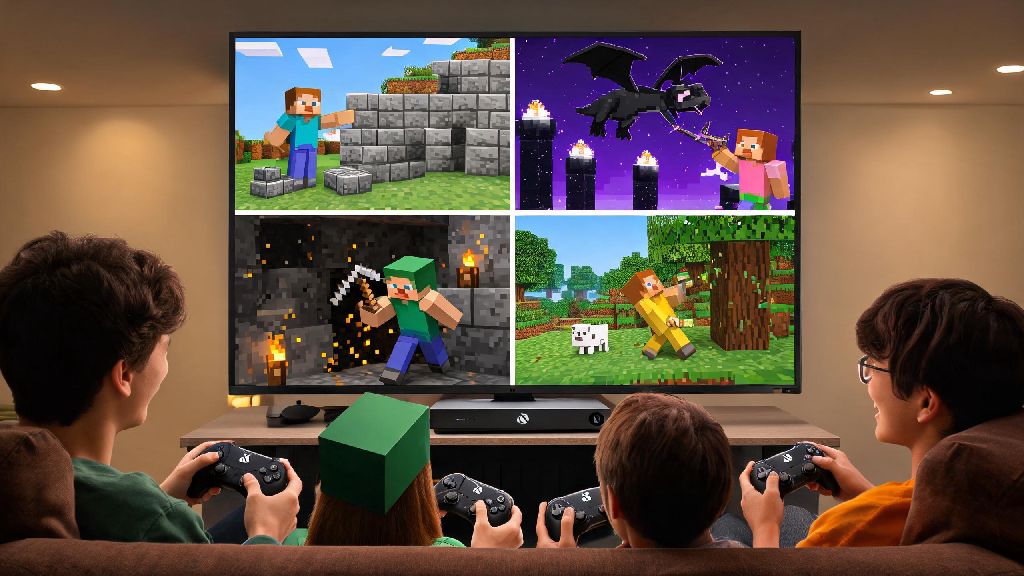
If you’ve ever grabbed your controller to hop into a Minecraft build with your roommate only to get hit with a subscription prompt, you’ve probably asked do you need xbox live to play minecraft with friends at least once. I’ve been there too, spending 20 minutes scrolling through settings last month when my little cousin visited with his Xbox, convinced I’d wasted money on a game I couldn’t play together. The short answer is it depends on your platform, what version of Minecraft you’re running, and how you want to connect to other players. This guide breaks down every scenario so you don’t waste time troubleshooting when you could be placing blocks or fighting the Ender Dragon as a team.
When Do You Need Xbox Live to Play Minecraft With Friends?
If you’re playing exclusively on an Xbox console, the answer to do you need xbox live to play minecraft with friends online is almost always yes, unless you’re all in the same room using split screen. Xbox Game Pass Core (formerly Xbox Live Gold) is required for all online multiplayer for paid games on Xbox One, Series S and Series X consoles, and Minecraft falls into this paid game category. I tested this firsthand last week when I tried to join my friend’s survival world on my Series S, and the game blocked my access until I renewed my lapsed Core membership. Split screen play on the same console with friends in your home doesn’t require any subscription, so that’s a good workaround if you don’t want to pay for extra access.
Platforms Where You Don’t Need Xbox Live for Minecraft Multiplayer
Xbox Live only applies to Xbox consoles, so you never need it to play Minecraft with friends on any other device. Minecraft Java Edition on PC has never required any Xbox related subscriptions for multiplayer, even after the mandatory Microsoft account login rollout a few years ago. You can join public servers, private friend-hosted worlds, and Realms with just your valid Minecraft purchase and Microsoft account, no extra fees.
Mobile players on iOS and Android also don’t need Xbox Live to play with friends, and neither do Nintendo Switch or PlayStation users. Switch players only need a Nintendo Switch Online subscription for online play, and PlayStation users only need PlayStation Plus, no Xbox account subscription required even for cross play with Xbox users. Local area network (LAN) play across all platforms never requires any subscription, as long as all devices are connected to the same wifi network. I host LAN parties at my apartment every few months, and we have a mix of Xbox, Switch, PC and mobile players, no one has to pull up their subscription info to join the shared world as long as we’re all on my home network.
Alternative Ways to Play Minecraft With Friends Without Subscriptions
If you’ve been wondering do you need xbox live to play minecraft with friends when you’re all at the same house, the answer is a hard no, and there are even more free options for online play if you’re willing to do a little setup. You don’t have to pay for platform subscriptions just to enjoy Minecraft with your friend group, as long as you pick the right connection method for your needs:
It’s important to note that cracked or unlicensed copies of Minecraft don't support official online play at all, and can put your device at risk of malware, so it's always best to use a legitimate copy of the game to play with friends safely. If you do pay for Minecraft Realms for a persistent shared world, keep in mind that Xbox players will still need Game Pass Core to access the Realm, but players on other platforms only need their own platform’s online subscription if applicable.
Common Mistakes to Avoid When Connecting Minecraft With Friends
Even if you have all the right subscriptions, you might run into connection issues if you skip a few simple checks. First, don’t mix up Java and Bedrock editions: if you’re on Java Edition PC, you can’t play with friends on Bedrock (console, mobile, Windows Bedrock) unless you use a specialized cross-play mod, which requires extra setup for all players. Second, make sure all players have updated their game to the same version: if one of your friends is running an older version of Minecraft, they won’t be able to join your world even if you have all the right subscriptions.
You should also double check your Microsoft account privacy settings, especially if you’re a younger player with parental controls enabled. If your account is set to block multiplayer access, you’ll get connection errors even if you have an active Xbox Live/Game Pass Core subscription. You can adjust these settings in your Microsoft account dashboard under the Xbox privacy section. Cross-play invites only work if both players have added each other as friends on their Microsoft accounts, even if you're already friends on PlayStation Network or Nintendo Switch Online, you still need to link and add each other on Microsoft to send cross-play invites.
Finally, don’t pay for extra subscriptions you don’t need. If you only play Minecraft with friends in the same house, you never need to pay for Xbox Live or any other platform online subscription, so don’t waste your money on a subscription you won't use for anything else. Many players accidentally sign up for Xbox Live when they only play with friends on LAN, and end up wasting $10 a month for no reason.
At the end of the day, the answer to do you need xbox live to play minecraft with friends is only if you’re playing on an Xbox console and connecting to online multiplayer outside your local network. For every other platform, you only need your platform’s own online subscription if you’re playing online, no Xbox Live required at all. Take a minute to check what platforms your friend group uses before you sign up for any new subscriptions, and you’ll be able to jump into shared builds, survival runs and minigames without wasting extra cash. The best part is there are plenty of free options to play together even if no one in your group has an active online subscription, so you don’t have to let paywalls get in the way of your next Minecraft adventure.