If you’ve ever found yourself scrolling through social media clips of wild Minecraft redstone builds or chaotic minigame rounds with friends, you’ve probably asked yourself where can i play Minecraft without jumping through a dozen hoops first. I’ve tested every possible way to play the game over the past 10 years, from cheap mobile versions to modded private servers with 100+ players, so I know how overwhelming it can be to pick the right option for your budget, device, and playstyle. This guide breaks down every accessible way to jump into the game, with honest pros, cons, and hidden details most casual players miss before they sign up or pay for a download.
Where Can I Play Minecraft: Official Device Options for Single or Local Play
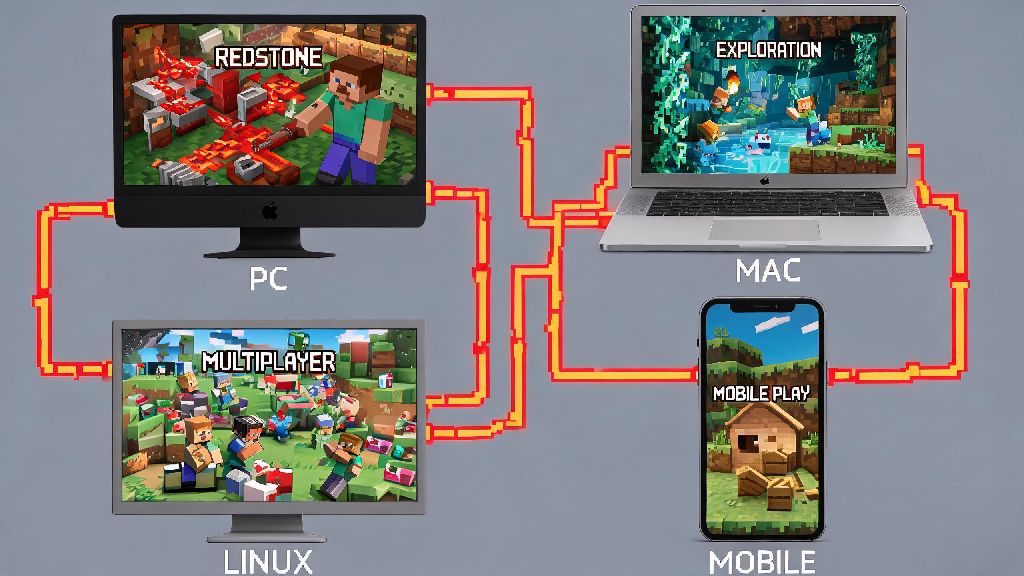
The first and most reliable way to play is through an official Mojang download tailored to your device. Java Edition is built for Windows, Mac, and Linux devices, and it’s the version most long-time players prefer for its flexibility. Java Edition is the only official version that supports full user-created mods, so if you want to add new creatures, game mechanics, or entire custom worlds, this is the right pick for you. If you’re still figuring out where can i play Minecraft with your friends who own different consoles, Bedrock is the clear pick. Bedrock Edition supports crossplay across every major device, including Xbox, PlayStation, Switch, mobile, and PC, so you don’t have to worry about being locked out of games with friends who own different hardware. Both versions come with offline play support, so you can still play even if you don’t have an internet connection for a few days.
Public Community Servers for Multiplayer Minecraft Fun
If you’re tired of playing alone and want to meet other players, public community servers are one of the best ways to experience the game. There are thousands of active servers available for both Java and Bedrock editions, each with its own theme, rules, and player base. You don’t need any extra software to join most servers, just the game itself and a valid account. Always check a server’s rule page before joining to avoid accidental bans for minor missteps like placing blocks in restricted areas. Most servers also have active moderation teams to keep harassment and griefing to a minimum, so you can play without worrying about other players ruining your experience. Some of the most popular server types you can join right now include:
So if you want to try a new game mode every week or make long-term friends who share your love of building, public servers are a great choice.
Free Minecraft Options for Casual or First-Time Players
You don’t have to spend money to try Minecraft if you’re not sure you’ll like it, and there are a few official free options that are completely safe to use. The official Minecraft demo is available for all major devices, and it gives you 100 minutes of play time in a pre-generated survival world, enough to get a feel for the core mechanics before you buy. If you’re a student wondering where can i play Minecraft for school projects, ask your teacher about access to Minecraft Education Edition, which is free for most K-12 and university accounts. It comes with built-in lessons for everything from coding to history, so you can learn while you play. Never download third-party "free full Minecraft" clients from untrusted sites, as most contain malware or stolen account credentials. I’ve had multiple friends fall for these scams over the years, and some ended up losing access to their personal email and gaming accounts because of it. Stick to official Mojang sources for all free access, and you won’t run into any issues.
Private Servers for Custom Play With Friends and Family
If you only want to play with people you know, a private server is the best option to avoid random players and set your own rules. You can host a small server for 2-3 players for free from your own PC if you have a stable internet connection, but you’ll have to do some basic setup to make it accessible to other people. For larger groups, renting a pre-configured private server from a trusted hosting company costs just a few dollars a month, and they handle all the technical work like updates and uptime. If you’re hosting a server for more than 5 players, renting a pre-configured server is almost always easier than running one from your home PC, because home internet connections often don’t have enough upload speed to support lots of simultaneous players. You can adjust difficulty levels, game modes, and even add custom mods to make the server fit exactly what your group wants to play. For example, my friend group runs a private server where we turned off all hostile mobs and added a furniture mod, so we just spend our time building a giant shared beach town whenever we hang out on weekends.
At the end of the day, the right answer for where can i play Minecraft depends entirely on what you want out of the game. If you just want to mess around by yourself building weird houses after work, the official Bedrock or Java download for your device is perfect. If you want to meet new people and play fast minigames, public servers are the way to go. If you don’t want to spend money right now, the official demo will give you plenty of time to test the game out before you commit. No matter what your playstyle is, there’s an option out there that fits your budget and skill level, so you don’t have to wait to jump into your first Minecraft world.