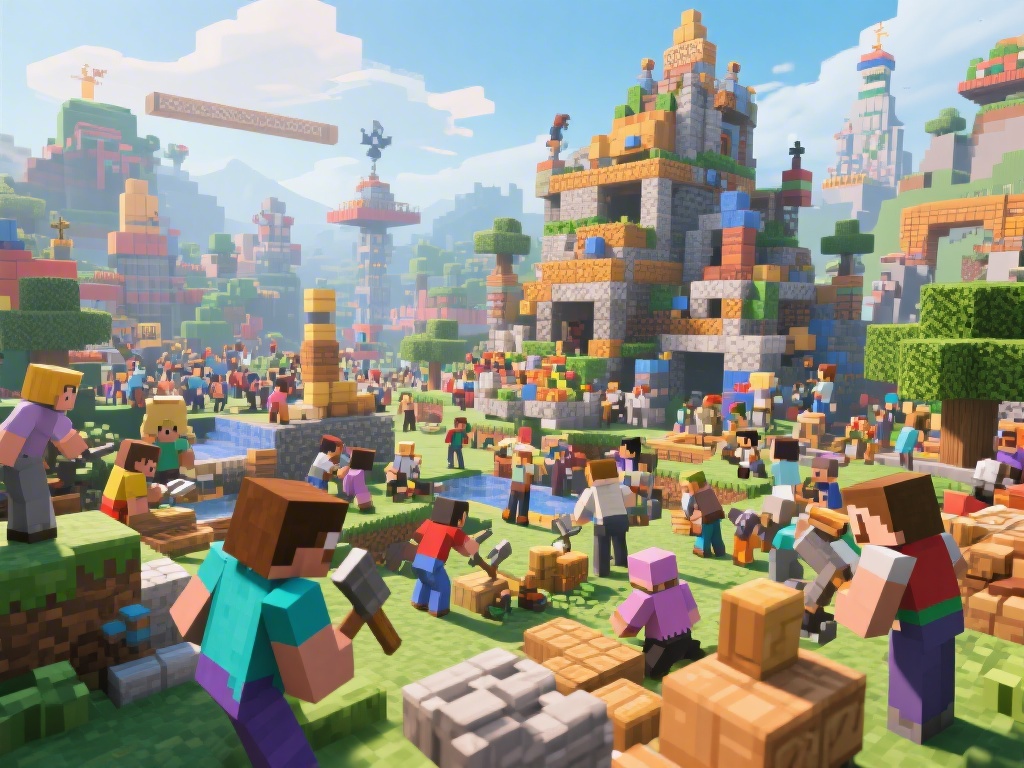
Introduction to Minecraft Multiplayer
Embarking on a Minecraft adventure with friends is one of the most exciting aspects of the game. Whether you're building together, exploring unknown worlds, or surviving together, multiplayer Minecraft can offer endless fun. In this guide, we'll cover everything you need to know about playing Minecraft with friends, from setting up a server to joining an existing one.
Setting Up Your Own Minecraft Server
One of the most popular ways to play Minecraft with friends is by setting up your own server. Here's a step-by-step guide on how to do it:
Choose a Server Host: Select a reliable server host that meets your needs in terms of performance and features.
Install Minecraft Server Software: Download and install the Minecraft server software on your computer.
Configure Server Properties: Edit the server.properties file to customize your server settings, such as the game mode, world type, and player limit.
Start Your Server: Run the server through the command line and ensure it's running smoothly.
Share Your Server IP: Let your friends know your server's IP address so they can connect.
Joining a Public Minecraft Server
Not ready to set up your own server? No worries. There are plenty of public Minecraft servers you can join. Here's how to do it:
Find a Server: Use Minecraft's server list or a server directory to find a server that suits your interests.
Connect to the Server: Open Minecraft, go to the server list, and enter the server's IP address.
Join the Community: Once connected, get to know the community and participate in the server's activities.
Using Minecraft Multiplayer Add-ons
Enhance your multiplayer experience with add-ons and mods. Here are some popular choices:
Multiplayer Modding: Use mods to add new features, like additional blocks, tools, and mechanics.
Customization Add-ons: Customize your character, blocks, and game environment with skins and texture packs.
Community-created Add-ons: Explore community-created add-ons for unique experiences and challenges.
Best Practices for a Successful Multiplayer Experience
Playing Minecraft with friends can be a blast, but here are some tips to ensure a smooth and enjoyable experience:
Communicate: Keep in touch with your friends to plan builds, explore, or just chat.
Respect Each Other: Treat everyone with respect and consider different playstyles and preferences.
Stay Safe: Follow server rules and guidelines to avoid any conflicts or issues.
Conclusion
Playing Minecraft with multiplayer adds a whole new layer of excitement and collaboration. Whether you're setting up your own server or joining a public one, this guide has provided you with the essential information to get started. Happy gaming!