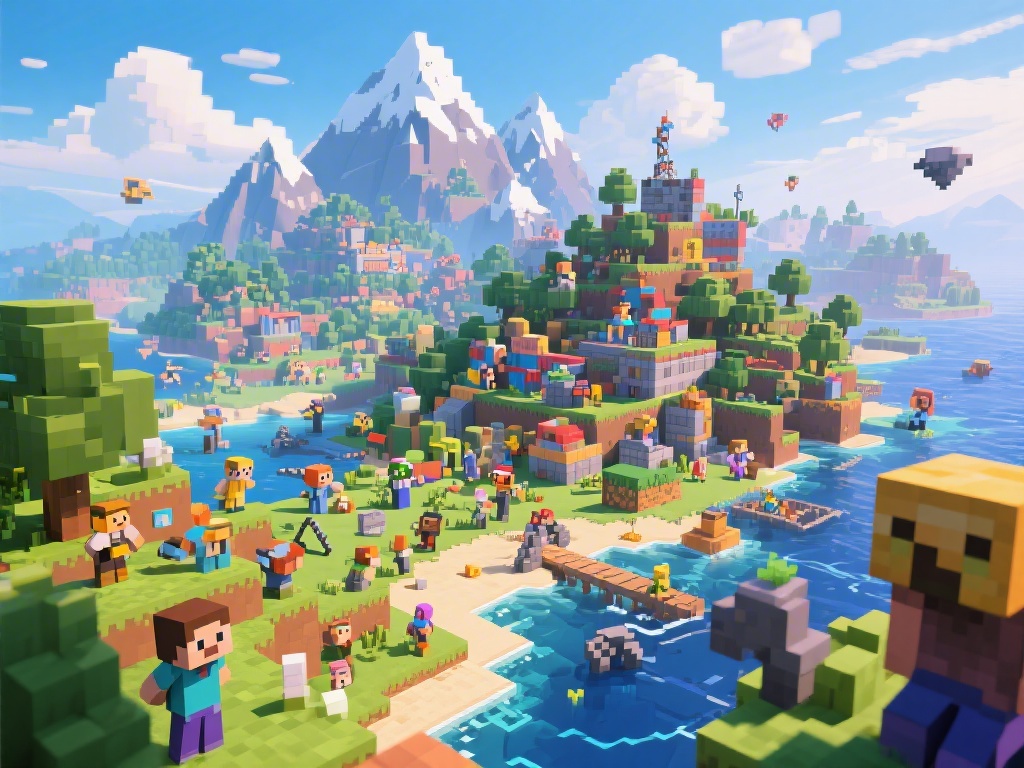
Introduction to Minecraft on PC
Welcome to the world of Minecraft on PC! Whether you're a seasoned gamer or a beginner, Minecraft offers endless possibilities for creativity and adventure. In this comprehensive guide, we'll walk you through the essential steps to get started with Minecraft on your PC, including downloading the game, setting up your world, and learning some basic gameplay techniques.
1. Downloading and Installing Minecraft
The first step to playing Minecraft on PC is to download and install the game. Visit the official Minecraft website to purchase and download the game. Once downloaded, run the installer and follow the on-screen instructions to install Minecraft on your PC.
2. Setting Up Your World
After installing Minecraft, you'll be prompted to create a new world or load an existing one. Here are some tips to help you set up your world:
- Choose the game mode: Survival, Creative, or Adventure.
- Select the world type: Standard, Superflat, or Custom.
- Decide on the difficulty level: Peaceful, Easy, Normal, Hard, or Insane.
- Adjust the game settings to your preference, such as graphics, sound, and controls.
3. Basic Gameplay Techniques
Now that you have your world set up, it's time to start playing. Here are some basic gameplay techniques to help you get started:
- Collect resources: Break blocks to collect materials like wood, stone, and iron.
- Craft items: Use the crafting table to create tools, weapons, and other useful items.
- Build structures: Use your creativity to build houses, castles, or anything else you can imagine.
- Explore: Venture into the nether or the end to discover new challenges and secrets.
4. Enhancing Your Minecraft Experience
To truly enhance your Minecraft experience on PC, consider the following tips:
- Install mods: Modding allows you to add new features, items, and textures to your game.
- Join a Minecraft server: Play with friends or join a community server to connect with other players.
- Participate in Minecraft events: Join in on community events and competitions to show off your skills.
5. Troubleshooting Common Issues
While playing Minecraft on PC, you may encounter some common issues. Here are some troubleshooting tips:
- Update your graphics drivers: Ensure your graphics card drivers are up to date for optimal performance.
- Check for game updates: Make sure you're playing the latest version of Minecraft to avoid bugs and glitches.
- Manage your game settings: Adjust the graphics and performance settings to improve your experience.
Conclusion
Playing Minecraft on PC is a fantastic way to explore a world of endless possibilities. By following this comprehensive guide, you'll be well on your way to building, exploring, and surviving in the Minecraft universe. Happy gaming!