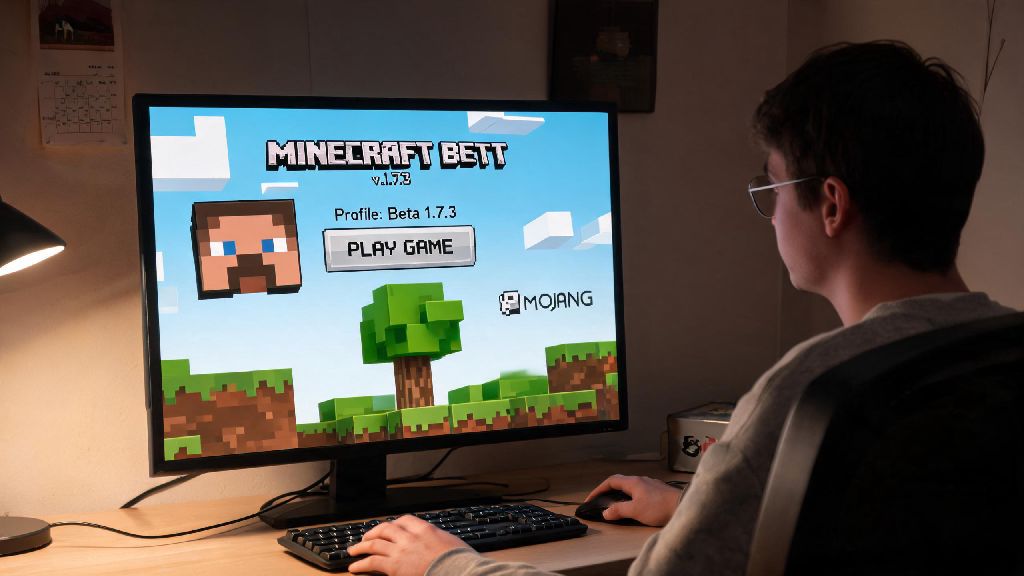
If you’ve scrolled through Minecraft TikTok or Reddit in 2026, you’ve probably seen clips of players messing around with the blocky, simpler worlds of the game’s early beta builds. Many new players assume these versions are locked behind old accounts or sketchy third-party downloads, but learning how to play beta Minecraft is far easier than you might think, as long as you follow official, safe methods. I’ve been hopping between beta builds and modern Minecraft for 12 years now, and I’ve tested every access method out there to cut out the scams and bugs that ruin the nostalgic fun. You don’t need any special accounts or expensive hardware to get started, either – all you need is a valid Minecraft Java Edition license.
How to Play Beta Minecraft Safely Through the Official Launcher
The safest and easiest way to access beta builds is directly through the official Minecraft Launcher, which supports all legacy versions as of 2026. You won’t risk downloading malware or losing your account credentials, and you can switch between beta and modern builds in seconds. First, open your launcher and navigate to the Installations tab at the top of the screen. Check the box that says Show historical versions under the “Advanced” settings menu, then scroll through the dropdown list to find the beta build you want to play. I recommend starting with Beta 1.7.3 if you’re new, since it’s the most popular and stable beta build with the largest active player base in 2026. Once you select the build, name your installation, adjust your save file location if you want, and hit “Create.” You can launch the build directly from your installations list whenever you want to play.
Common Mistakes to Avoid When Playing Beta Minecraft
Even if you access beta builds through the official launcher, there are a few common pitfalls that can ruin your first playthrough. Most of these come from players assuming beta builds work exactly like modern Minecraft, which is far from the case. I’ve made every single one of these mistakes at least once, so you don’t have to:
Another common mistake I see new beta players make is expecting all modern features to be present. Beta builds don’t have sprinting, creative mode flight, or even hunger mechanics in earlier versions, so you’ll need to adjust your playstyle accordingly. It’s part of the charm, but it can be jarring if you only have experience with 2026’s modern Minecraft updates that add everything from deep dark biomes to camel mounts. Don’t be afraid to look up a quick feature list for the build you’re playing if you’re confused about what’s available.
Finding Multiplayer Beta Servers in 2026
Single player beta play is great for nostalgic building, but most people stick to beta builds for the tight-knit multiplayer community. As of 2026, there are hundreds of active beta servers with thousands of daily players, ranging from vanilla survival servers to creative roleplay worlds. You can find verified, active beta servers on the official Minecraft community forum, where all listed servers are vetted for scams and malicious mods. When you join a beta server, make sure you’re running the exact same build as the server to avoid crashes or connection errors. Most servers list their required build in their description, so double check before you try to log in. I also recommend joining a small, community-focused server first instead of the largest public ones, since smaller servers tend to have less toxicity and more active moderation for new players.
Many beta servers also host regular events like building contests or survival challenges that you won’t find on modern servers, since the simpler mechanics make it easier for all players to participate regardless of skill level. I joined a beta 1.7.3 server last month for a community castle build, and it was way more fun than any modern Minecraft event I’ve attended in the past three years. There’s no pressure to grind for rare items or complete complex quests, just a group of people messing around with blocks like it’s 2011 all over again.
Essential Mods to Improve Your Beta Play Experience
Vanilla beta builds are great for that classic nostalgic feel, but there are a few lightweight, community-made mods that fix long-standing bugs and add small quality of life features without changing the core gameplay. All of these mods are compatible with the official launcher as of 2026, and they’re allowed on most public beta servers. First, OptiFine for Beta will drastically improve your frame rate, even if you’re running the game on a low-spec laptop. It also adds support for higher resolution texture packs if you want to make the old blocks look a bit cleaner without changing their iconic design. Second, Beta Inventory Tweaks adds simple features like auto-sorting your chests and one-click item stacking, which fixes one of the most annoying parts of early beta builds that required you to move every single item manually. Third, Server Ping Fix solves the common connection error that makes it impossible to join multiplayer servers even if you have the right build installed. I run all three of these mods every time I play beta, and they haven’t caused a single crash or compatibility issue in over two years of use. Just make sure you download them from the official developer pages to avoid fake versions with malware.
At the end of the day, learning how to play beta Minecraft in 2026 is all about enjoying the simpler, more laid-back version of the game that hooked millions of players over a decade ago. You don’t need fancy hardware or years of experience to jump in, and the active community means you’ll always find other players to build or explore with. Take your time to test different beta builds, find a server that fits your playstyle, and don’t stress about playing the “right” way – the best part of beta Minecraft is that there are no rules, just blocks and good company.