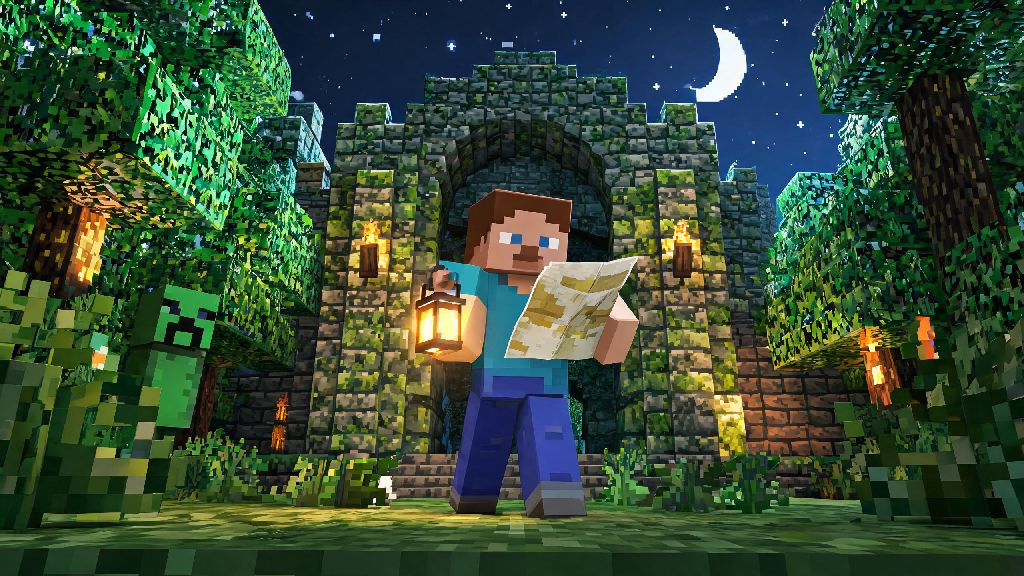
If you’ve spent hundreds of hours building cobblestone castles or fighting creepers in vanilla Minecraft, you’ve probably heard of its story-driven spinoff at least once. A lot of new fans reach out to ask how do you play Minecraft Story Mode, especially since it was delisted from most storefronts a few years back, making access a little trickier than standard Minecraft releases. I’ve played through every episode three times now, including all the secret side paths, so I’m breaking down everything you need to know to jump in and enjoy the story without confusion. You don’t need any prior Minecraft skill to follow along, just a love for silly, character-driven adventures and a willingness to make tough calls that shape the plot.
How Do You Play Minecraft Story Mode: Core Gameplay Basics
Developed by Telltale Games, Minecraft Story Mode is a choice-based narrative game that trades vanilla Minecraft’s open-world sandbox for a structured, plot-driven experience. You won’t spend hours mining for resources or building shelters to survive creepers here. Instead, you’ll pick dialogue options, complete simple quick-time events (QTEs), and solve light puzzles to move the story forward. The biggest difference from vanilla Minecraft is that your choices directly impact how the story unfolds, including which characters stay in your party and which endings you unlock. The game is split into episodes, with 8 episodes in the first season and 5 in the second. You can play entirely alone, or host local co-op for up to 4 players, where everyone votes on major dialogue choices. I usually play co-op with my little cousin, and our silly, split votes lead to way more chaotic story paths than I ever get playing solo. If you’ve only ever played survival Minecraft, the first 10 minutes of Minecraft Story Mode will feel very different, but you’ll get used to the flow quickly.
First Steps to Start Your Minecraft Story Mode Playthrough
Since the game was delisted from digital storefronts in 2019, the easiest way to access it is to pick up a physical copy for PS4, Xbox One, or Nintendo Switch, or re-download it if you purchased it digitally before it was removed. You can find used physical copies for less than $20 on most second hand game sites, so you don’t have to pay a premium to play, even if you never bought it digitally before. Once you boot the game up, you’ll first create your version of Jesse, the main protagonist. You can pick from different skin tones, hairstyles, and outfits, and none of these choices impact the plot, so pick whatever look you like best. When you start the first episode, don’t stress too much about picking the “perfect” dialogue choice every time. There’s no such thing as a bad playthrough, even if you make a choice that upsets a core character. It just leads to a different, equally fun story path instead of a game over. A few quick tips to make your first playthrough smoother:
Tips to Unlock Secret Content and Alternate Endings
Most players only get the standard neutral ending on their first playthrough, but there are dozens of hidden side scenes and three distinct main endings for season 1, plus multiple smaller variations based on your choices. You don’t have to follow a strict walkthrough to find this content, but a few small habits will help you catch more hidden paths. To unlock the best secret endings, you need to prioritize building positive relationships with all side characters, not just the main core party. Small, seemingly meaningless choices can have huge impacts later in the story. For example, if you choose to give a cookie to a random kid you meet in the first episode, that character will show up to help you out in a major fight in the final episode. I missed that on my first playthrough, and I was so confused when other fans talked about that scene until I went back and made the different choice. You also don’t have to replay the entire season if you want to change one specific choice. The game lets you replay individual episodes, and carry those new choices over to the rest of the season, so you can tweak small decisions without starting from scratch.
Common Mistakes to Avoid on Your First Playthrough
A lot of new players go into Story Mode expecting the same open-world freedom as vanilla Minecraft, and they end up skipping through cutscenes or rushing through dialogue to get to “action” parts. That’s the easiest way to miss 90% of the game’s charm, which comes from the silly banter between characters and the small, emotional story beats. Most dialogue choices give you plenty of time to pick, but even timed choices give you enough time to read all options before you select, so don’t panic click the first thing you see. Another common mistake is ignoring small interaction prompts when you’re in free exploration areas. You can click on random objects like crafting tables, pet dogs, or random blocks to get funny, throwaway lines from Jesse or other party members. They’re not required to progress the story, but they add a lot of personality that makes the world feel more lived in. A lot of people also assume they need to know deep Minecraft lore to follow the plot, but that’s not true at all. I’ve had friends who never touched vanilla Minecraft love Story Mode just as much as long-time fans, because all game-specific terms are explained naturally through dialogue. You don’t need to know what a redstone comparator is to follow the plot, all game-specific terms are explained naturally through dialogue.
At the end of the day, the best part of Minecraft Story Mode is that there’s no wrong way to play it. You can make all the silly, chaotic choices you want, or play it straight to get the most heroic story path, and you’ll still have a great time. Whether you’re playing alone on a rainy weekend or hosting a co-op game night with friends, it’s a fun, lighthearted adventure that’s accessible for all ages. Now that you know how do you play Minecraft Story Mode, grab your copy, pick your favorite Jesse skin, and get ready to save the world of Minecraft one weird choice at a time.