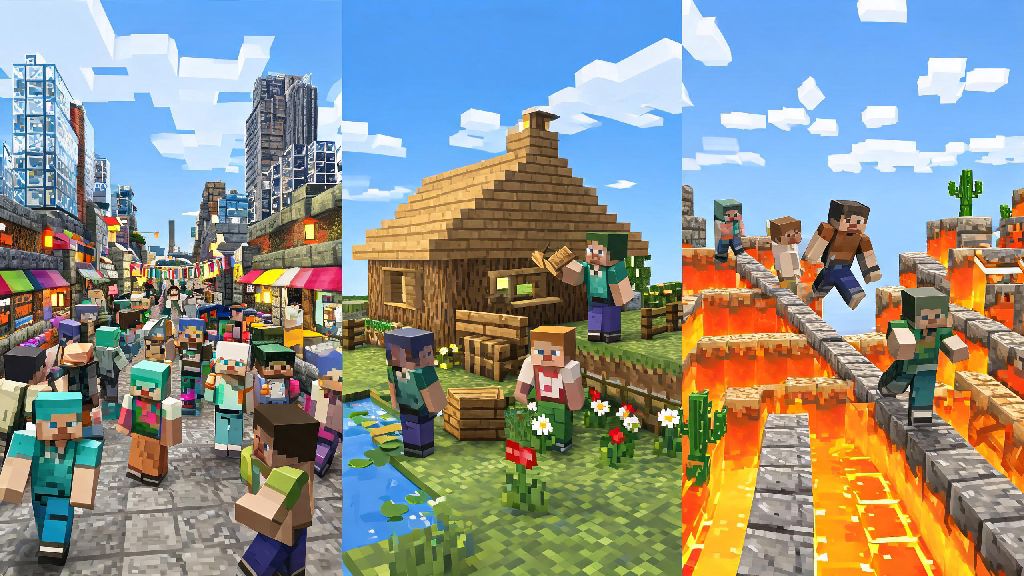
There’s nothing better than loading up your favorite blocky world and sharing builds, survival challenges, or silly minigames with people you like. If you’ve ever wondered how do you play minecraft online without running into constant lag, griefers, or confusing setup steps, you’re in the right place. I’ve been playing online Minecraft for over a decade, both with close friends and random public communities, and I’ve picked up all the hacks to make the process smooth and fun, no matter what play style you prefer. You don’t need any fancy tech skills to get started, either.
Pick the Right Online Play Mode for Your Goals
First, you don’t have to jump straight into a random public server if that’s not your vibe. Minecraft has several built-in online play options, each with their own pros and cons depending on who you want to play with and what you want to do. No matter which option you pick, the core of figuring out how do you play minecraft online comes down to matching the mode to who you want to spend time with. Realms are the easiest option for new players, since Mojang hosts the server for you, so you don’t have to mess with port forwarding or server software. You can invite up to 10 people to your Realm, and it stays online even when you’re logged off, which is perfect for small friend groups that play at different times. If you want more control over mods, game rules, or player limits, you can either rent a third-party hosted server or run one yourself on a spare computer. Public servers are best if you want to meet new players, join minigames, or participate in massive community build projects, just make sure you pick one with active moderation. Java edition players have a lot more modding flexibility with third-party servers, while Bedrock players get better cross-play support across consoles and mobile devices. If you’re not sure which option to pick, start with a free 30-day Realm trial to test things out before you pay for a server or spend time setting one up yourself.
Step-by-Step: How Do You Play Minecraft Online With Friends
Setting up a game with your existing friends is way simpler than most people make it out to be, even if you’re all on different devices. Cross-play works across most modern Minecraft versions, so your friend on Xbox can play with you on PC or mobile as long as you’re all on the Bedrock edition. Follow these simple steps to get connected in under 5 minutes:
If you run into connection issues, first check that all of you are running the same version of Minecraft. Even a small version mismatch can stop you from joining the same world. For Java edition players, make sure any mods you’re using are the same version across all players, or you’ll get kicked immediately when you try to connect. Avoid downloading random mod packs from untrusted sites to join servers, since many of them come with malware that can steal your account information.
Tips for Playing Safely on Public Minecraft Servers
Public servers are a ton of fun, but they do come with small risks if you don’t take basic precautions. I’ve had my fair share of builds destroyed by griefers and run into toxic players over the years, so I’ve got a few hard-earned rules to keep your experience positive. I usually check server reviews on community forums before joining a new public server, to make sure the moderation team is active and there aren’t widespread complaints about griefing or toxic players. Many servers also have Discord communities you can join first to get a feel for the vibe before you log into the game. Never share personal information like your real name, location, or school with random players you meet online, no matter how friendly they seem. Most well-run public servers have grief protection plugins, but it’s still a good idea to lock your chests and builds with the server’s protection commands as soon as you place them. If you run into toxic players or griefers, use the in-game report function to flag them to moderators instead of engaging with them. You can also filter server lists by game mode, so if you only want to play peaceful creative build servers, you can skip all the PvP and survival servers entirely.
Fix Common Online Minecraft Connection Issues Fast
Nothing kills the vibe faster than getting kicked mid-build or having 10 seconds of lag right when you’re about to beat an Ender Dragon with your friends. Most connection issues are super easy to fix without any fancy tech knowledge. First, check your internet connection – if you’re on Wi-Fi, moving closer to your router or switching to a wired ethernet connection will fix 90% of lag issues immediately. If you’re getting a “failed to connect to server” error, double check that you have the correct server address, and that the server isn’t down for maintenance. For players running their own server, make sure you’ve port forwarded correctly, or use a free tunneling service if you don’t want to mess with your router settings. If you keep getting kicked for high ping, try joining servers that are located in the same country or region as you, since longer distances between you and the server host cause more lag. If you’re playing on a child’s account, make sure you adjust the Xbox privacy settings to allow online multiplayer, as the default settings often block cross-play and public server access for minor accounts.
At the end of the day, online Minecraft is what you make of it, whether you’re building a tiny cottage with your best friend or competing in a server-wide build battle with hundreds of strangers. Now that you know how do you play minecraft online without all the confusing setup steps, you can stop scrolling through setup tutorials and jump straight into the fun. Don’t be afraid to try new servers and play modes – you never know what cool builds or fun friends you’ll run into along the way.