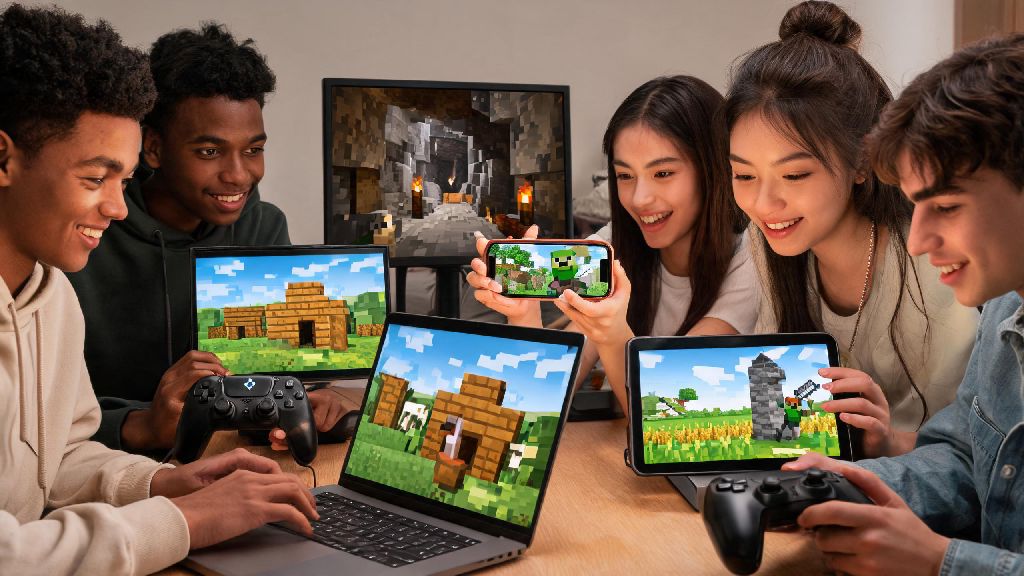
If you’ve just unboxed a new Xbox or are shopping for your first copy of Minecraft, you’ve probably stumbled on conflicting advice about subscription requirements. It’s easy to get confused between platform-specific rules, subscription bundles, and limited-time free play offers that pop up every few months. If you’re asking do you need GamePass to play Minecraft, you’re not alone—this is one of the most common questions new players ask before they dive into the blocky world. I’ve tested Minecraft access across every major platform over the past 7 years, so I’m breaking down exactly what you need, what you can skip, and where you can save money.
Do You Need GamePass to Play Minecraft on Different Platforms?
If you’re still asking do you need GamePass to play Minecraft on your specific device, let’s break it down platform by platform to eliminate confusion. On Xbox consoles, the short answer is no—you can buy a physical or digital copy of Minecraft Bedrock Edition for a one-time fee and play it forever without any subscription, as long as you have an Xbox profile. That said, all tiers of Xbox GamePass include Minecraft for free as part of the subscription library, so if you already have GamePass, you don’t need to buy the game separately.
On PC, the rules are almost identical. You can purchase the combined Minecraft Java and Bedrock Edition bundle for a one-time $29.99 fee, or access both editions for free with a PC GamePass or GamePass Ultimate subscription. For Nintendo Switch and Playstation 4/5 players, GamePass has no integration with Minecraft at all, so you’ll have to buy a standalone copy of the game for your console no matter what. I made the mistake of buying a standalone Minecraft copy for my Xbox last year before I remembered my GamePass Ultimate subscription already included it, so I wasted $20 that could have gone to a new skin pack.
One important note for multiplayer play: On Xbox consoles, you need an Xbox Live Gold subscription to play on public servers or join friends’ realms. Xbox Live Gold is included in GamePass Ultimate, so many players find it more cost-effective to get Ultimate if they plan to play multiplayer regularly, rather than paying for Gold and a standalone Minecraft copy separately.
Benefits of Using GamePass for Minecraft Even If You Don’t Need It
Even if you don’t need a GamePass subscription to play Minecraft, there are a lot of perks to using it if it fits your budget and playstyle. Most casual players don’t realize how much extra Minecraft content you get as part of a GamePass subscription, on top of access to hundreds of other non-Minecraft games. The biggest benefits include:
For players who game regularly and try new titles often, GamePass Ultimate usually pays for itself in just a couple of months. If you normally buy 2 to 3 new $60 games a year, you’ll save hundreds of dollars by accessing those games through the subscription instead of buying them outright. That means Minecraft essentially becomes a free bonus if you’re already using GamePass for other titles.
There is one big downside to keep in mind, though. GamePass only grants access to Minecraft as long as your subscription is active. If you cancel your subscription, you’ll lose all access to the game, your downloadable content, and save files stored on the cloud until you resubscribe or buy a standalone copy. It’s not a good fit if you want permanent access to the game without recurring costs.
Ways to Play Minecraft Without GamePass
If you’ve decided the answer to do you need GamePass to play Minecraft is no for you, there are plenty of easy ways to access the game without a subscription. The most popular option is buying a standalone digital or physical copy of the game for your platform of choice. All copies come with permanent access, free updates for life, and the ability to transfer your save files across devices linked to the same account.
You can also try the game for free before you buy it if you’re not sure it’s right for you. Most platforms offer a 90-minute free trial of the full Minecraft game, so you can test survival mode, creative mode, and basic multiplayer before you spend any money. Minecraft Classic is 100% free to play directly through your web browser too, though it only includes the original 32 blocks from the 2009 launch version and no survival mode, so it’s mostly for nostalgic casual play.
Students and teachers also have access to a free version of the game through Minecraft Education Edition, which is available for no cost through most school and university accounts. I know a lot of younger players who only play Minecraft with friends on their Switch, and none of them have ever had a GamePass subscription, since it doesn’t work for their platform anyway. You don’t have to pay for any extra subscriptions to enjoy 99% of what Minecraft has to offer, if you don’t want to.
Key Factors to Help You Decide If GamePass Is Right for Your Minecraft Playstyle
There’s no one-size-fits-all answer to whether GamePass is worth it for Minecraft, but you can make the right choice for you by asking yourself a few simple questions first. Start with how often you play Minecraft: if you log in every day and plan to play for the next year or more, buying a standalone copy will be far cheaper than paying for a subscription long term. If you only play for a few months every year, a monthly GamePass subscription for those months might save you money.
Next, think about what other games you play. If you regularly play first-party Microsoft titles like Halo, Forza, or Pentiment, or if you like trying new indie games every month, GamePass will save you hundreds of dollars a year, and Minecraft is just an added bonus. If Minecraft is the only game you play, there’s almost no reason to pay for a subscription unless you only play occasionally.
Also consider what platforms you play on. If you only play Minecraft on Playstation or Nintendo Switch, GamePass is completely useless for Minecraft access, so don’t waste your money on it for that purpose. If you switch between PC and Xbox regularly, GamePass Ultimate lets you play Minecraft on both devices with one subscription, no extra purchases needed, which is a great deal for cross-platform players.
Last, factor in your multiplayer needs. If you play on Xbox and already pay for Xbox Live Gold to play with friends, upgrading to GamePass Ultimate for just $5 more a month will give you free access to Minecraft and hundreds of other games, which is almost always a better value. Always check for limited-time bundle deals that include a free Minecraft copy with a console or GamePass subscription, as these can save you 50% or more on upfront costs.
At the end of the day, the question of do you need GamePass to play Minecraft has a pretty simple answer: no, not unless you want to access it through the subscription instead of buying a standalone copy. Your choice will come down to your playstyle, the platforms you use, and what other games you’re interested in playing. Don’t let sales pages or random forum comments pressure you into buying a subscription you don’t need—you can enjoy every part of Minecraft, from survival worlds to custom servers, with a one-time purchase if that fits your budget better. If you do decide to try GamePass, look for the $1 first-month trial that Microsoft runs regularly to test it out before you commit to a full subscription.