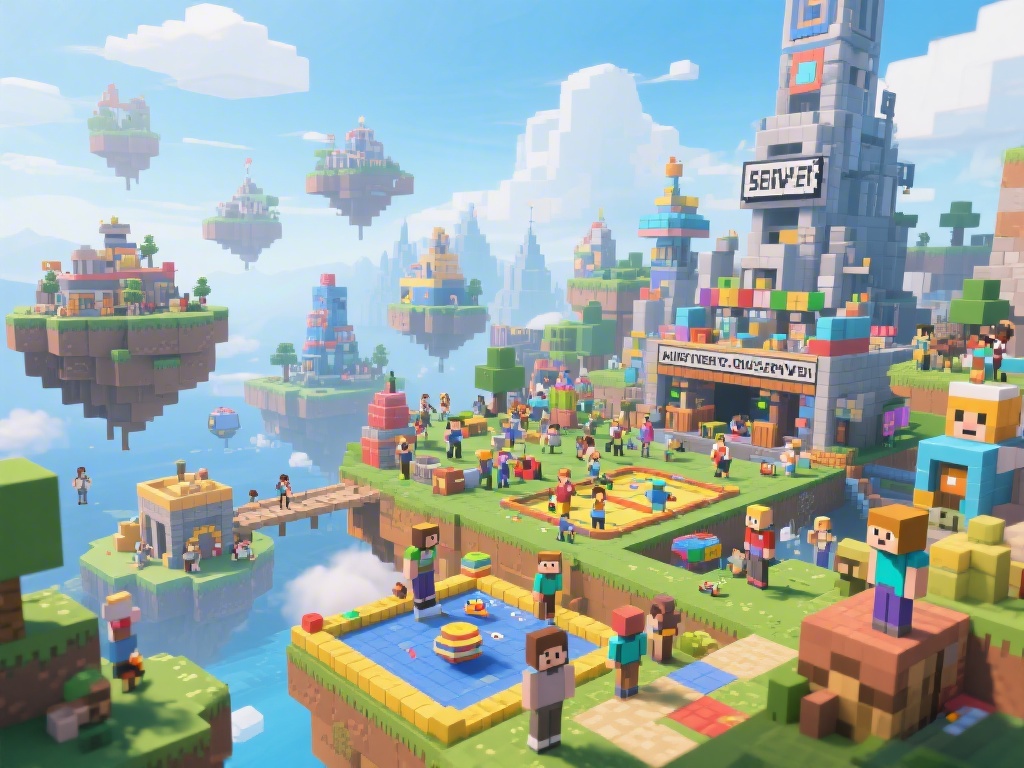
Why Host Your Own Minecraft Server?
Ever dreamed of having your own Minecraft world where you and your friends can create, explore, and survive together? Hosting your own Minecraft server can make that dream a reality. Not only does it offer a unique experience, but it also allows you to have complete control over your Minecraft environment. Whether you want to create a survival server, a creative building server, or a mini-games server, hosting your own Minecraft server is a great way to enhance your Minecraft experience.
Choosing the Right Hosting Provider
When it comes to choosing a Minecraft server hosting provider, there are several factors to consider. Look for a provider that offers reliable uptime, good customer support, and the ability to scale your server as your needs grow. Some popular options include Hostinger, Bluehost, and A2 Hosting. Don't just go for the cheapest option; make sure to read reviews and compare features to find the best fit for your needs.
Setting Up Your Minecraft Server
Once you've chosen a hosting provider, the next step is to set up your Minecraft server. This process can vary depending on your hosting provider, but here's a general overview:
1. Purchase a Server Plan: Sign up for a server plan that suits your needs. Keep in mind the number of players you want to support and the type of server you want to run.
2. Download the Server Software: Once you've purchased your server, download the Minecraft server software from the official Minecraft website.
3. Transfer the Server Software to Your Host: Use an FTP client to transfer the server software to your hosting provider's server.
4. Configure Your Server: Open the server.properties file in a text editor and customize the settings to your liking. This includes setting the server name, enabling or disabling certain features, and more.
5. Start Your Server: Run the server with the command `java -Xmx1024M -Xms1024M -jar minecraft_server.jar nogui`. This command sets the maximum and minimum memory for your server.
6. Test Your Server: Connect to your server using Minecraft and test everything to make sure it's working properly.
Managing Your Minecraft Server
Now that your server is up and running, it's important to manage it properly. Here are a few tips:
1. Regular Backups: Regularly backup your server files to prevent data loss.
2. Update Your Server: Keep your server up to date with the latest Minecraft versions to ensure compatibility with mods and plugins.
3. Use Plugins: Plugins can add new features and functionality to your server. Some popular ones include WorldEdit, GriefPrevention, and Essentials.
4. Monitor Server Performance: Keep an eye on your server's performance to ensure it runs smoothly.
5. Engage with Your Community: Encourage player interaction and create a welcoming environment for all players.
Final Thoughts
Minecraft server hosting might seem daunting at first, but with the right guidance, it's an achievable goal. By following this step-by-step guide, you can set up and manage your very own Minecraft server. So, what are you waiting for? Start your Minecraft server hosting journey today and create unforgettable experiences with your friends!