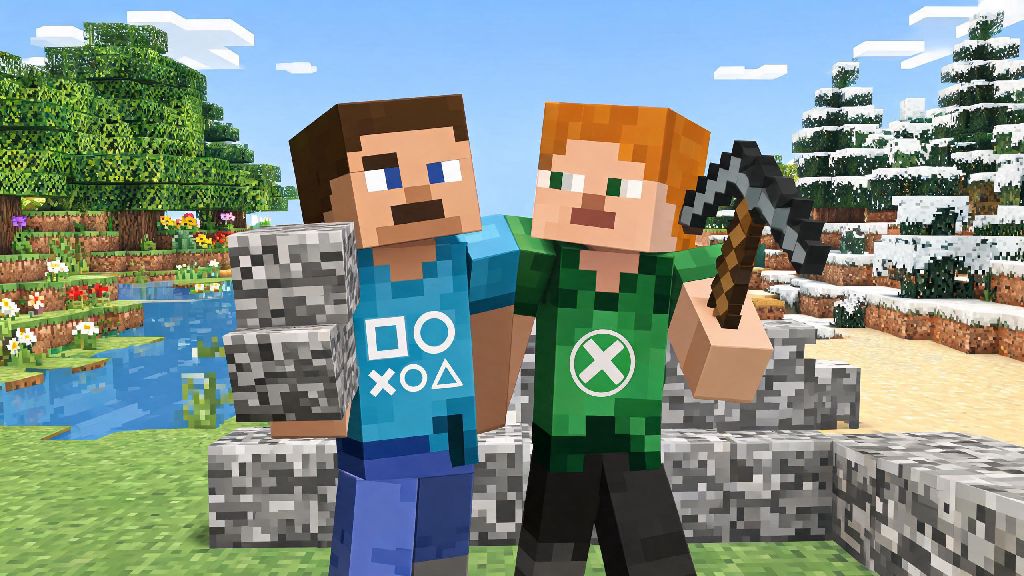
If you’ve ever logged into Minecraft on your PlayStation only to realize your best friend is playing on their Xbox, you’ve probably asked: can PlayStation and Xbox play Minecraft together? Cross-platform play has become a standard for most modern multiplayer games, but Minecraft had a rocky rollout for cross-console support before it got to where it is today. I’ve spent dozens of hours testing crossplay setups for different console combinations, so I’m breaking down exactly what works, what doesn’t, and how to get your group playing in the same world as fast as possible.
Can PlayStation and Xbox Play Minecraft Together? The Short Answer
The short answer is yes, as long as both players are using the correct version of the game. Only Minecraft: Bedrock Edition supports crossplay between PlayStation and Xbox consoles, and all modern PlayStation (PS4, PS5) and Xbox (One, Series S/X) devices ship with Bedrock Edition pre-installed by default these days. If you’re playing on an older legacy console edition of Minecraft that was released before the Bedrock unification update, you won’t be able to connect across platforms, but that version is no longer supported or sold for new consoles, so it’s a rare issue for most players.
You also don’t need any special paid upgrades or DLC to use crossplay, just a valid Minecraft license for each console and the required online subscription for your device. The crossplay feature is completely free for all Bedrock Edition users, and it works for both private player-hosted worlds and public dedicated servers.
Step-by-Step Setup for Crossplay Between PlayStation and Xbox
Setting up crossplay between PlayStation and Xbox only takes 2 to 3 minutes if you have all your accounts ready to go. The whole process revolves around Microsoft accounts, which act as the universal link between all Minecraft Bedrock Edition platforms, from consoles to mobile to PC. Follow these steps to get connected:
It’s important to note that both players will need an active online subscription for their respective consoles to access multiplayer features. That means PlayStation users need a current PlayStation Plus membership, and Xbox users need an active Xbox Live Gold or Game Pass Core subscription. You never have to share your console account details to connect via crossplay, as all authentication runs through your Microsoft account, so you don’t have to worry about account security when adding cross-platform friends.
Common Crossplay Issues and How to Fix Them
Even with the correct setup, you might run into small issues when connecting PlayStation and Xbox players for the first time. Most of these problems have simple fixes that take less than a minute to implement. The most common issue is not being able to see a friend’s hosted world in your friends tab. 90% of the time, this happens because one player hasn’t added the other to their Microsoft friend list, or the host has the world set to invite-only instead of visible to friends. If that’s not the case, check your router NAT type: strict NAT settings can block cross-platform connections, so restarting your router or enabling UPnP in your router settings usually fixes the problem.
Another common error is the "version mismatch" pop-up when you try to join a world. If you get a "version mismatch" error, make sure both players have the same Minecraft update installed; console updates sometimes roll out at slightly different times across platforms, so one player might have to wait a few hours for the update to reach their console if it launched recently. If you’re dealing with lag or random disconnects mid-game, that’s almost always tied to the host’s internet connection, not the crossplay feature itself. If the host has slow or unstable internet, switching to a dedicated Bedrock server or a Minecraft Realm will usually fix the lag issues immediately.
Many players also wonder if they need extra subscriptions to use crossplay, and that’s a common misconception. You don't need an active Xbox Game Pass or PlayStation Plus Extra subscription to use crossplay, only the base online membership for your console. Any other paid subscriptions are completely optional for crossplay functionality.
Limitations of Crossplay Between PlayStation and Xbox
While crossplay between PlayStation and Xbox works great for most use cases, there are a few small limitations you should be aware of before you start playing. The biggest one is that you can’t crossplay if one player is using Minecraft: Java Edition, but Java Edition isn’t available for either PlayStation or Xbox consoles, so this is rarely an issue for console players. If you have friends who play on PC, just make sure they’re using the Bedrock Edition of the game if you want them to join your console lobby.
Some custom community servers have platform-specific restrictions, but the vast majority of popular public Bedrock servers support both PlayStation and Xbox players without any extra steps. If a server doesn’t support console players, it will usually say so clearly on its server description page. Custom mods and texture packs also have some small crossplay limitations: if the host is using a custom texture pack or mod, other players will have to download the same pack separately to see it in their game, since texture packs don’t transfer automatically across platforms.
Cross-platform progression works for most content, but some console-exclusive skins or DLC won't carry over between PlayStation and Xbox, even if you use the same Microsoft account. That’s because some platform-specific content is licensed exclusively for one console brand, so it can’t be transferred across devices. All your world saves, general progress, and non-exclusive skins will sync across both consoles when you sign into the same Microsoft account, though.
At the end of the day, if you and your friends use a mix of PlayStation and Xbox consoles, you don’t have to miss out on building, exploring, or surviving together in Minecraft. If you follow the simple setup steps and watch out for the most common connection issues, you can answer the question of can PlayStation and Xbox play Minecraft together with a clear, enthusiastic yes. I’ve used this setup to play with friends across both consoles for years, and once you get past the initial 2 minute setup, it works just as smoothly as playing with someone on the same console as you. Next time you’re planning a group build or survival run, don’t let different consoles stop you from getting everyone in the same world.