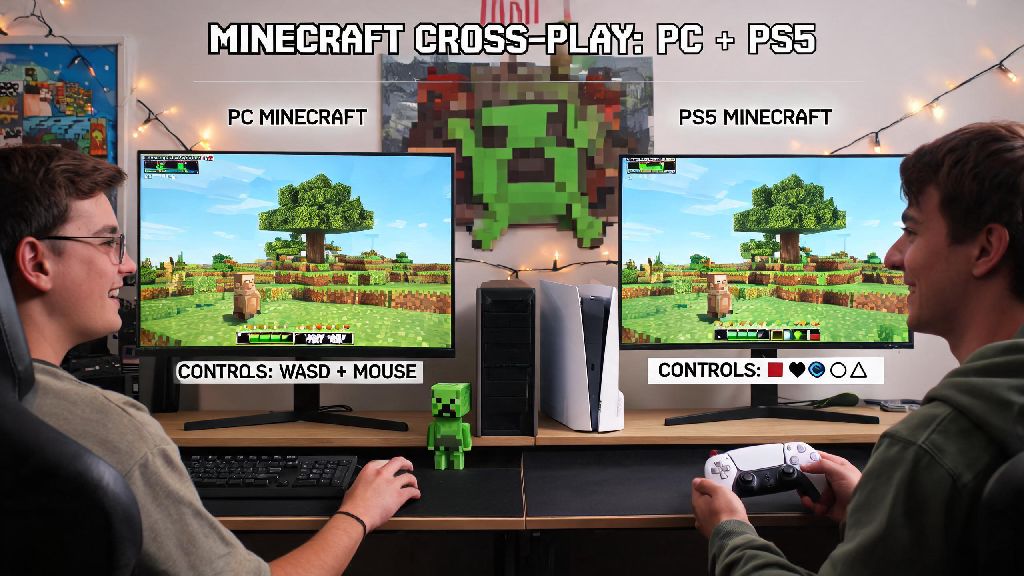
If you’ve got one friend playing Minecraft on PC and another on PS5, you’ve probably asked can pc and ps5 play minecraft together at least once. I ran into this exact issue last year when my cousin got a PS5 for his birthday and wanted to join our PC Minecraft survival world, so I spent an afternoon testing every possible setup to get us connected. I’ve got good news for most players, plus a few caveats you need to know before you try to join the same world. This guide breaks down exactly what works, what doesn’t, and how to get your group connected in 10 minutes or less, no fancy tech skills required.
First: Can PC and PS5 Play Minecraft Together, and What Editions Work?
The short answer is yes, but only if you’re using the right edition of the game. Minecraft has two main editions that don’t work with each other, and that’s the biggest barrier most players run into when trying to set up cross-play. All PS5 copies of Minecraft are the Bedrock Edition by default, so you don’t have to worry about buying a separate version for Sony’s console. On PC, you can buy either Java Edition or Bedrock Edition, and only Bedrock will work with PS5 players.
Java Edition is the original PC version of the game, only compatible with other PC, Mac, and Linux players who also own Java. Bedrock Edition is the unified version built for cross-play across all consoles, mobile devices, and Windows PCs. If you only own Java Edition on PC, you won’t be able to join a PS5 world, but you can buy Bedrock Edition separately for a low cost if you want to play with console friends. I’ve found that most PC players who play with console friends end up owning both editions anyway, since Java has better mod support for single-player or PC-only groups.
Step-by-Step Setup for Cross-Play Between PC and PS5
Once you confirm both players are using Bedrock Edition, setting up cross-play is straightforward. The only extra requirement is that both players need a free Microsoft account to connect, even if you don’t own any Xbox devices. You don’t need an active Xbox Live subscription for cross-play, but PS5 users do need an active PlayStation Plus subscription to play online multiplayer, per Sony’s standard online play rules. Follow these exact steps to get connected:
I’ve found that 80% of connection issues at this stage come from players accidentally using Java Edition on PC, so double check your edition first if you don’t see the world pop up. Make sure both copies of Minecraft are updated to the latest version too, since version mismatches will prevent you from joining the same world even if you’re both on Bedrock.
Common Cross-Play Issues and How to Fix Them
Even if you follow all the setup steps, you might run into small issues when playing cross-platform between PC and PS5. The most common problem is the world not showing up in the friends tab, even though you’re both signed into the right accounts. If this happens, first check that both devices are connected to a stable internet connection, and that neither device has a strict NAT type. You can check your NAT type in your console or PC network settings, and if it’s strict, restart your router to fix it most of the time.
If you get kicked out mid-game repeatedly, that’s usually because the host has a weak internet connection that can’t support multiple players. Try switching who hosts the world, or join a third-party public Bedrock server instead, since those have more stable connections. Minecraft doesn’t have built-in cross-platform voice chat, so you’ll need to use a third-party app like Discord on both devices to talk to each other while you play. If you’re playing on a public server, make sure you follow the server’s cross-play rules to avoid getting banned, since some servers restrict certain devices for anti-cheat purposes.
Limitations of Cross-Play Between PC and PS5
While cross-play works well for most casual play, there are a few limitations you should know about before you get started. The biggest one is that Java Edition PC players can never join PS5 worlds, so if your friend only owns Java Edition, you’ll either need to buy Bedrock for PC, or they’ll need to play on a different device. Mods made for Java Edition will never work on Bedrock cross-play worlds, so you can only use add-ons and texture packs that are available for both PC Bedrock and PS5 Bedrock. Most large mod packs are only made for Java, so you’ll have to stick to vanilla or lightly modded Bedrock worlds for cross-play.
Another small limitation is control differences between PC and PS5. PC players using a keyboard and mouse will have a big advantage in PvP modes or fast-paced minigames, so if you’re playing competitive game modes with your group, you might want to set ground rules like requiring PC players to use a controller to keep things fair. PS5 players also can’t access custom Java servers, so make sure any public server you pick is marked as Bedrock-compatible before you try to join.
At the end of the day, the answer to can pc and ps5 play minecraft together is a yes, as long as you stick to Bedrock Edition and follow the simple setup steps we outlined. I’ve played dozens of cross-platform worlds with my friends across PC, PS5, and even mobile, and when everything is set up correctly, it’s almost impossible to tell what device everyone is using. You don’t have to let different devices stop you from building bases, exploring the Nether, or fighting the Ender Dragon with your whole friend group. Just double check your editions and account links before you start, and you’ll be playing together in no time.