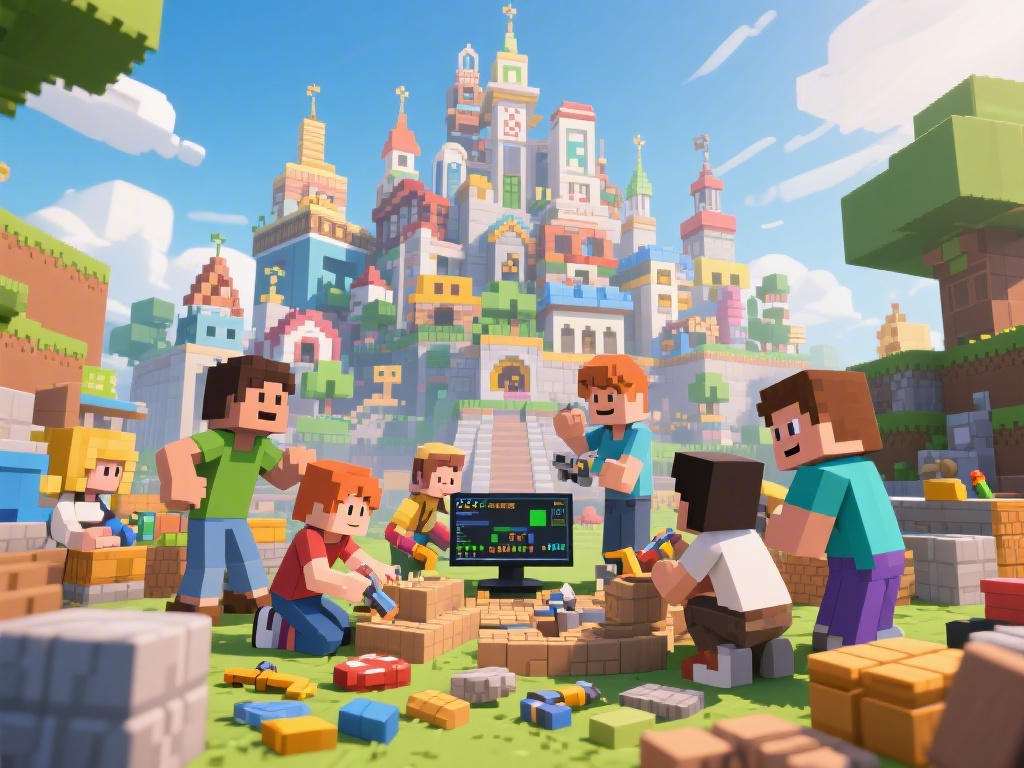
How to Play with Friends on Minecraft: Ultimate Guide for Building and Surviving
Are you looking to enhance your Minecraft experience by playing with friends? Whether you're a beginner or a seasoned player, this ultimate guide will help you discover how to play with friends on Minecraft, from building techniques to server management. Let's dive in!
1. Setting Up a Minecraft Server
One of the best ways to play with friends on Minecraft is by setting up your own server. Here's a step-by-step guide on how to do it:
- Choose a Server Hosting Provider: Select a reliable server hosting provider that meets your needs.
- Create a Server: Follow the provider's instructions to create a new server.
- Customize Server Settings: Configure the server settings to your preference, such as world type, difficulty, and gamemode.
- Invite Friends: Share your server IP address with friends and invite them to join.
2. Building Techniques for Multiplayer
Building with friends can be a fun and creative experience. Here are some building techniques to make your multiplayer adventures more enjoyable:
- Plan Your Builds: Discuss and plan your builds with friends to ensure everyone is on the same page.
- Collaborate: Work together to create stunning structures and landscapes.
- Use Plugins: Install plugins that enhance building, such as WorldEdit or BuildCraft.
3. Modding Tutorials for Minecraft
Modding can add a whole new level of excitement to your Minecraft gameplay. Here are some modding tutorials to get you started:
- Install a Modding API: Learn how to install a modding API like Forge or Fabric.
- Download and Install Mods: Find and download mods that interest you, then install them on your server.
- Explore Modding Communities: Join Minecraft modding communities to share your experiences and learn from others.
4. Minecraft Server Management
Managing a Minecraft server can be challenging, but it's essential for a smooth multiplayer experience. Here are some tips:
- Monitor Server Performance: Regularly check your server's performance to ensure it runs smoothly.
- Backup Your Server: Regularly backup your server to prevent data loss.
- Manage Plugins and Mods: Keep your plugins and mods up to date and compatible with your server.
5. Character Customization in Minecraft
Customizing your character can make your Minecraft experience more unique. Here's how to customize your character:
- Choose a Skin: Download and apply a skin to your character.
- Customize Appearance: Use the in-game options to change your character's appearance, such as hair, armor, and clothing.
- Explore Customization Communities: Join Minecraft customization communities to find inspiration and share your creations.
6. Minecraft Community and Events
Connecting with the Minecraft community can help you discover new friends and exciting events. Here's how to get involved:
- Join Minecraft Forums: Participate in Minecraft forums to meet new friends and share your experiences.
- Attend Minecraft Conventions: Attend Minecraft conventions and events to meet fellow players and enjoy exclusive activities.
- Participate in Community Challenges: Join community challenges to showcase your Minecraft skills and creativity.
---
In conclusion, playing with friends on Minecraft can be a thrilling and rewarding experience. By following this ultimate guide, you'll learn how to set up a server, master building techniques, mod your game, manage your server, customize your character, and connect with the Minecraft community. Happy gaming!