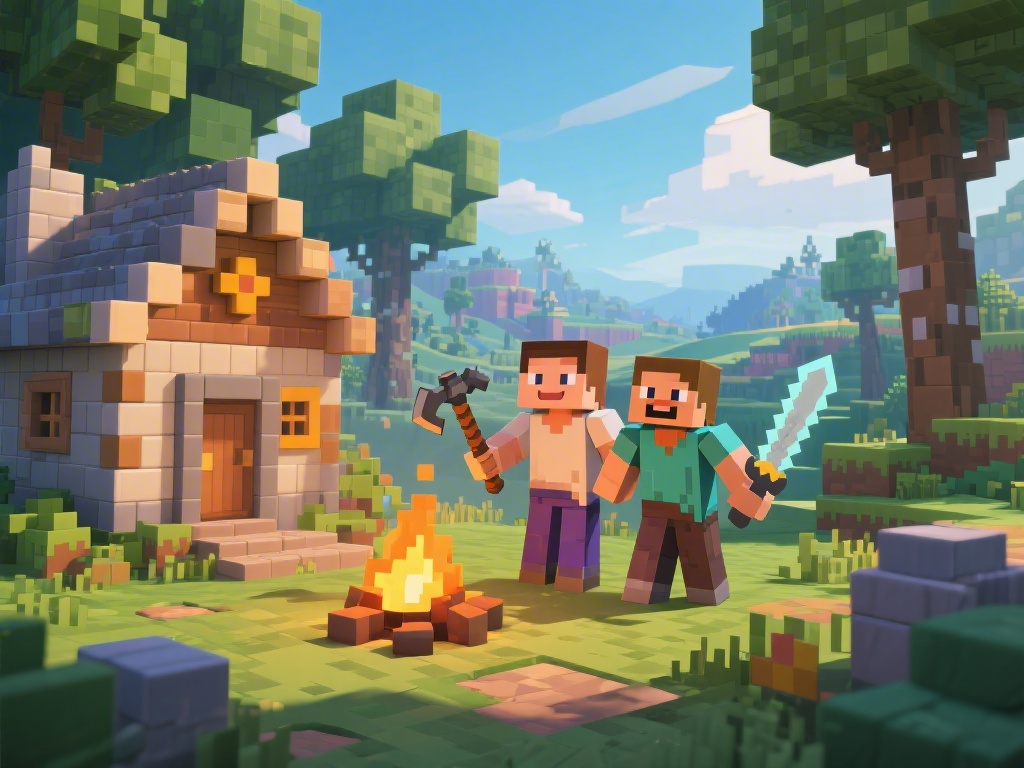
Are you and a friend looking to dive into the world of Minecraft together? Playing Minecraft with a friend can be a thrilling experience, offering a chance to collaborate on grand projects or simply explore together. In this article, we'll walk you through the process of playing Minecraft with a friend, providing essential tips and tricks to make your multiplayer adventure seamless and enjoyable.
Step 1: Choose the Right Version
Before you can start playing Minecraft with a friend, the first step is to ensure that both of you have the same version of the game. This includes the Minecraft Edition (Java or Bedrock) and any additional mods or servers you plan to use. Mismatched versions can lead to compatibility issues, so check your game settings to make sure everything is aligned.
Step 2: Set Up a Local Server
One of the simplest ways to play Minecraft with a friend is by setting up a local server. This allows both players to connect to the same world on your computer. To set up a local server:
Step 3: Use Online Multiplayer
If you prefer to play online, you can connect to an existing Minecraft server that supports multiplayer. Here's how:
Step 4: Customize Your Gameplay
Once connected, you can customize your gameplay to enhance the experience. Consider these options:
Step 5: Engage with the Minecraft Community
Lastly, to make the most of your Minecraft experience with a friend, consider engaging with the Minecraft community. Participate in events, share your creations, and learn from others. This can include:
Playing Minecraft with a friend is not just about the game itself; it's about building memories and sharing experiences. By following these steps, you can create an enjoyable and memorable multiplayer experience. Happy gaming!