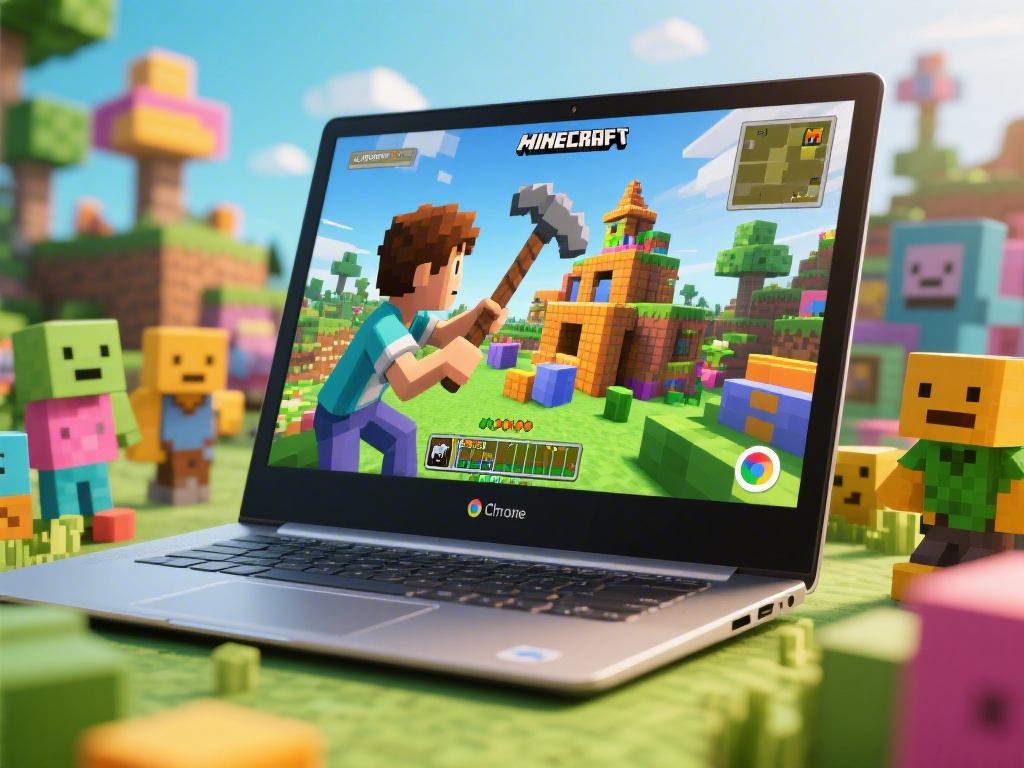
Are you a Minecraft enthusiast looking to play your favorite game on a Chromebook? You're in luck! This comprehensive guide will walk you through everything you need to know about playing Minecraft on a Chromebook. From setup to essential tips, we've got you covered.
Understanding Minecraft on Chromebook
Minecraft is a popular sandbox game that allows players to build, explore, and survive in virtual worlds. While Minecraft is primarily known for its PC and console versions, it's also possible to play it on a Chromebook. However, there are some limitations and requirements you should be aware of.
Step-by-Step Guide to Install Minecraft on Chromebook
Installing Minecraft on your Chromebook is a straightforward process. Follow these steps:
Optimizing Minecraft Performance on Chromebook
While Minecraft can run on most Chromebooks, it may not perform as well as on a traditional PC or console. Here are some tips to optimize performance:
Essential Tips for Minecraft on Chromebook
Once you've installed Minecraft on your Chromebook, here are some essential tips to enhance your experience:
Conclusion
Playing Minecraft on a Chromebook is possible and can be a fun experience with the right setup and tips. By following this guide, you should be able to enjoy Minecraft on your Chromebook without any major issues. Happy building and exploring!