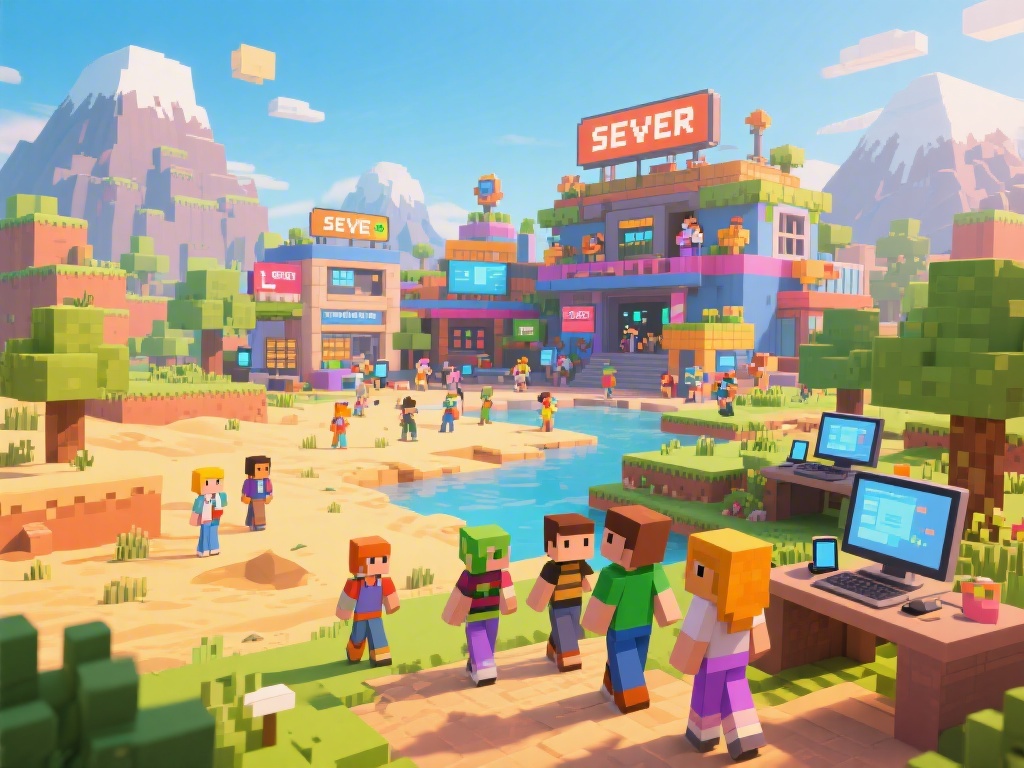
How to Play Minecraft with Friends: Ultimate Guide to Multiplayer Fun
Are you looking to join the Minecraft multiplayer community and play with friends? Whether you're a seasoned player or just starting out, this guide will help you navigate the world of Minecraft multiplayer. We'll cover everything from joining existing servers to creating your own. Let's dive in and find out how to play Minecraft with friends!
Joining Minecraft Servers
Finding the Right Server
1. Search for Servers: Use Minecraft server lists or online forums to find a server that suits your interests.
2. Check Server Features: Look for servers with features like custom maps, mini-games, or role-playing.
3. Read Reviews: Look at player reviews to gauge the server's community and activity.
Connecting to a Server
1. Copy the Server IP: Find the server's IP address and copy it.
2. Open Minecraft: Launch Minecraft and go to the Multiplayer tab.
3. Add Server: Click "Add Server" and paste the IP address into the designated field.
4. Join the Server: Click "Join Server" and you're in!
Creating Your Own Minecraft Server
Setting Up the Server
1. Download Server Software: Visit the official Minecraft website to download the server software.
2. Install Java: Make sure you have Java installed on your computer.
3. Configure Server Properties: Edit the server.properties file to customize your server settings.
Hosting the Server
1. Choose a Hosting Provider: Look for a reliable Minecraft server hosting provider.
2. Set Up Your Hosting Plan: Choose a plan that fits your needs, whether it's shared or dedicated.
3. Follow Provider Instructions: Follow the hosting provider's instructions to set up your server.
Tips for a Seamless Multiplayer Experience
Communication is Key
1. Use Voice Chat: Utilize voice chat to communicate with your friends more effectively.
2. Set Clear Rules: Establish rules for your server to maintain a friendly and enjoyable environment.
Building Together
1. Plan Your Builds: Discuss your building ideas and plans with your friends to ensure a cohesive experience.
2. Share Resources: Share materials and resources to build more quickly and efficiently.
Troubleshooting Common Issues
Server Connection Problems
1. Check Your Internet Connection: Ensure your internet connection is stable and fast.
2. Restart Your Router: Sometimes, simply restarting your router can resolve connection issues.
Server Performance Issues
1. Monitor Server Performance: Use server monitoring tools to track performance and identify issues.
2. Adjust Server Settings: Modify server settings to optimize performance.
---
In conclusion, playing Minecraft with friends can be an incredibly fun and rewarding experience. By following these steps, you'll be able to join or create your own Minecraft server and enjoy multiplayer adventures with your friends. Happy gaming!